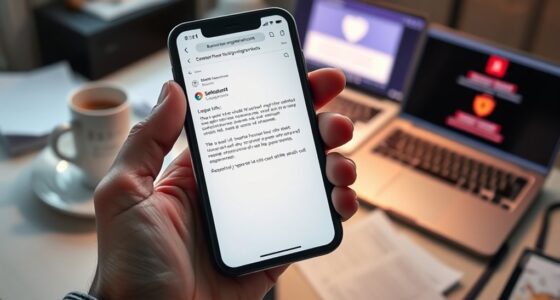
Device syncing and cross-platform passkey use let you securely access your accounts across multiple devices without hassle. By storing cryptographic credentials in secure cloud storage, your passkeys automatically sync between smartphones, tablets, and desktops. Biometric verification adds an extra layer of security, ensuring only you can access your credentials. This seamless process enhances both convenience and safety. If you continue exploring, you’ll discover how this technology works behind the scenes to protect your digital identity.

Get privacy and security gear delivered free with Prime
- Fast, free delivery on millions of items
- Prime Video, Amazon Music and more included
- Member-only deals all year
Key Takeaways
- Passkeys are securely synced across devices via encrypted cloud storage, enabling seamless cross-platform authentication.
- Biometric authentication ensures secure, quick access to passkeys on multiple devices without manual input.
- Cloud synchronization maintains passkey availability while protecting credentials with end-to-end encryption.
- Cross-platform passkey use reduces reliance on passwords, enhancing security and user convenience across devices.
- The system supports a frictionless experience by automating credential sharing and verification behind the scenes.
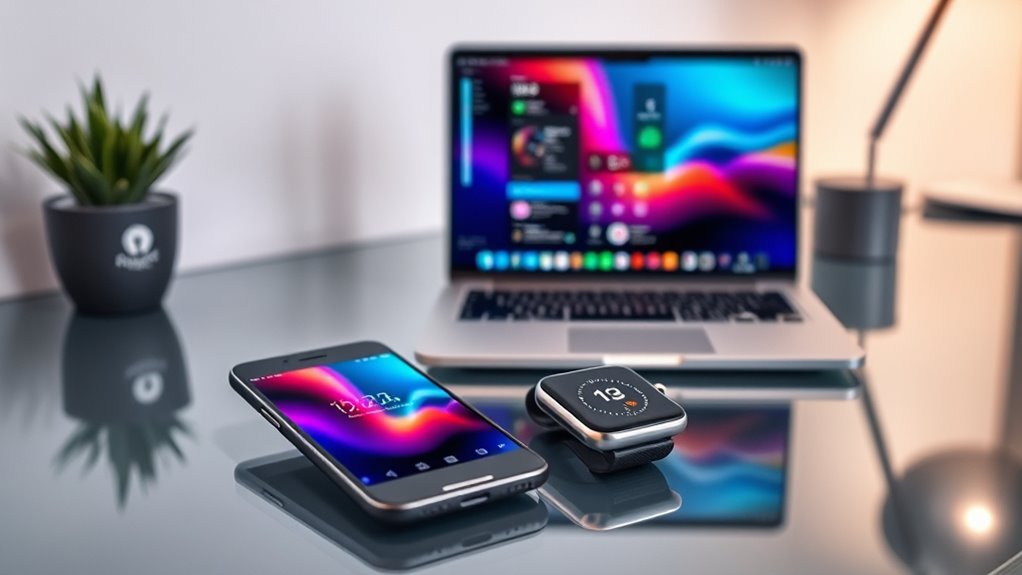
As more devices become interconnected, seamlessly syncing your passkeys across platforms has never been more important. Passkeys are replacing traditional passwords, offering a more secure and user-friendly way to authenticate. To make this shift smooth, your devices need to share these credentials effortlessly. This is where biometric authentication and cloud synchronization come into play. When you set up a passkey on one device, the goal is to access it seamlessly on another without sacrificing security or convenience. Biometric authentication, like fingerprint scans or facial recognition, adds an extra layer of security, ensuring only you can authorize the passkey usage. Meanwhile, cloud synchronization acts as the backbone that keeps your credentials up-to-date across all your devices.
Imagine logging into a website on your phone and then wanting to use the same passkey on your tablet or laptop. If your devices are properly synced, you don’t have to remember complex passwords or manually transfer data. Instead, your passkey is stored securely in the cloud, encrypted and protected, ready to be accessed whenever you sign in. When you attempt to authenticate on a new device, biometric authentication verifies your identity locally, then grants access to the cloud-stored passkey. This process is fast, secure, and minimizes the risk of phishing or data breaches, since passkeys are based on cryptographic keys that never leave your device or cloud account.
The key advantage of cloud synchronization is that it enables a unified experience regardless of what device you’re using. Whether you’re on a smartphone, tablet, or desktop, your passkeys are accessible without needing to create new login credentials. This not only saves time but also reduces the chances of weak or reused passwords. To guarantee security, most systems use end-to-end encryption, so even the service provider can’t access your passkeys. Your biometric data remains stored securely on your device, never transmitted or stored in the cloud, adding an extra safeguard against hacking.
In essence, syncing passkeys via cloud synchronization and biometric authentication empowers you to move seamlessly across devices while maintaining robust security. You benefit from a frictionless experience—logging in quickly and securely without the hassle of passwords—while technology handles the heavy lifting behind the scenes. As ecosystems evolve, assuring your passkeys are synchronized across all your devices will be crucial for protecting your digital identity and simplifying your online life.
As an affiliate, we earn on qualifying purchases.
Frequently Asked Questions
How Secure Is Cross-Platform Passkey Synchronization?
Cross-platform passkey synchronization is quite secure because it uses end-to-end encryption, ensuring only you can access your data. Additionally, device authentication verifies each device before syncing, adding an extra layer of security. This means your passkeys stay protected during transfer and storage. As long as you keep your devices secure and use trusted networks, this method offers a safe way to manage your passkeys across multiple platforms.
Can Device Syncing Be Disabled for Specific Devices?
Think of your device as a garden, where you control which plants grow. You can disable device syncing for specific devices through device-specific settings, like putting up a fence around certain areas. This gives you control over your data, allowing you to set syncing restrictions. By adjusting these settings, you make certain that only trusted devices access your passkeys, keeping your digital garden safe and well-tended.
What Are the Compatibility Requirements for Cross-Platform Passkeys?
You need compatible devices that meet specific device compatibility requirements to use cross-platform passkeys. Guarantee your devices support common synchronization standards like FIDO2 or WebAuthn, which facilitate secure credential sharing across platforms. Check that both devices have updated software and proper hardware capabilities, such as biometric sensors or security keys. This ensures seamless and secure synchronization of passkeys, making cross-platform authentication reliable and straightforward.
How Does Device Syncing Affect Battery Life?
You might notice a little battery drain when device syncing happens, especially if it occurs frequently. But don’t worry—your device uses power optimization techniques to keep this impact minimal. Syncing is designed to run in the background efficiently, so your battery life isn’t substantially affected. Keeping your devices updated and managing sync frequency can help conserve power, ensuring smooth operation without sacrificing battery longevity.
Are There Any Privacy Concerns With Cross-Platform Passkey Sharing?
Yes, there are privacy concerns with cross-platform passkey sharing. You should be aware that data encryption helps protect your passkeys during transfer, but sharing across devices increases exposure risk. Always guarantee you give informed user consent before syncing or sharing passkeys, and verify that the platforms you use have strong security measures. Staying cautious helps prevent unauthorized access and maintains your privacy across devices.
As an affiliate, we earn on qualifying purchases.
Conclusion
By embracing device syncing and cross-platform passkeys, you’re revealing a security revolution that’s almost too good to be true. Imagine your passwords seamlessly moving with you, as if they’re part of an unstoppable digital force. This tech makes your online life simpler, safer, and more connected than ever. Don’t get left behind—step into the future where your devices work together like a perfectly synchronized orchestra, transforming your digital experience into pure effortless mastery.
As an affiliate, we earn on qualifying purchases.
As an affiliate, we earn on qualifying purchases.
Fall Picks
fall essentials
As an affiliate, we earn on qualifying purchases.