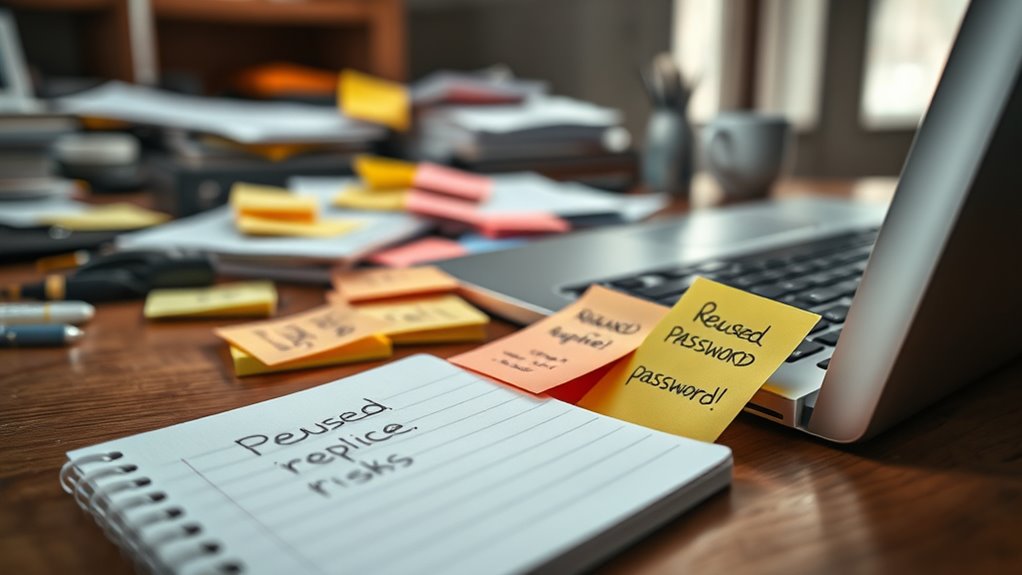

To maintain good password hygiene, avoid writing your passwords on sticky notes or storing them insecurely. Reusing passwords across multiple accounts makes it easier for hackers to access all your sites if one password is compromised. Instead, use a password manager to securely store unique, complex passwords for each account. This simple step greatly enhances your online safety. Keep these practices in mind, and you’ll discover even more strategies for protecting your digital life.

Get privacy and security gear delivered free with Prime
- Fast, free delivery on millions of items
- Prime Video, Amazon Music and more included
- Member-only deals all year
Key Takeaways
- Use a password manager to securely store and generate unique, complex passwords for each account.
- Avoid writing passwords on sticky notes or in plain sight to prevent unauthorized access.
- Create strong, distinct passwords for every service to reduce the risk of widespread account breaches.
- Enable multi-factor authentication (MFA) for added security beyond just passwords.
- Regularly review and update your passwords to maintain good password hygiene and protect your accounts.
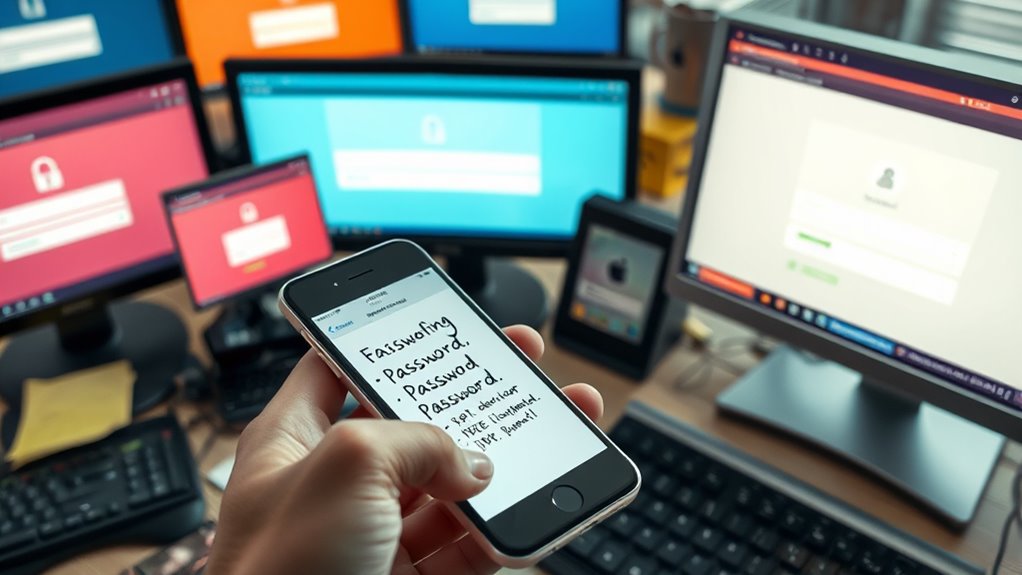
Good password hygiene is essential for protecting your online accounts from hackers and unauthorized access. Without proper habits, you risk exposing sensitive information or falling victim to identity theft. One of the most effective ways to maintain good password hygiene is through strong password management. Instead of jotting down passwords on sticky notes or saving them in insecure locations, consider using a reputable password manager. These tools securely store all your passwords in an encrypted vault, making it easier to generate and retrieve complex, unique passwords for every account. Relying on a password manager reduces the temptation to reuse passwords across multiple sites, which is a common vulnerability. If a single account gets compromised, reused passwords can give hackers access to your entire digital footprint. By managing your passwords properly, you minimize this risk and keep your accounts safer. Incorporating password complexity requirements can further strengthen your defenses against brute-force attacks.
Good password hygiene protects your accounts; use a password manager to generate, store, and manage unique, strong passwords securely.
Multi-factor authentication (MFA) is another critical layer of security you should adopt. MFA requires you to verify your identity through multiple methods—such as a text message code, fingerprint, or authentication app—beyond just entering a password. This extra step makes it markedly harder for hackers to break into your accounts, even if they manage to discover your password. Combining good password management with MFA creates a robust barrier against unauthorized access. While it might seem inconvenient at first, enabling MFA on your most important accounts is a small effort that provides substantial protection.
Avoid the pitfalls of using simple or reused passwords. Many people fall into the trap of creating easy-to-remember passwords like “password123” or “qwerty,” which cybercriminals can easily guess. Reusing the same password across multiple accounts amplifies this risk. If one account is breached, hackers can try the same password on your email, social media, banking, and other accounts, potentially leading to widespread damage. Instead, focus on creating strong, unique passwords for each service. Your password manager can generate these complex combinations for you, saving you from the mental burden of memorizing them all.
In addition, never keep passwords written down in obvious places, such as sticky notes attached to your monitor or written on scraps of paper. These are low-hanging fruit for anyone who gains physical access to your workspace. Instead, trust your password management tools and MFA methods to safeguard your accounts. Remember, good password hygiene isn’t just about creating strong passwords but also about managing and protecting them diligently. By doing so, you considerably reduce your vulnerability to cyber threats and keep your digital life secure.
password manager for secure storage
As an affiliate, we earn on qualifying purchases.
As an affiliate, we earn on qualifying purchases.
Frequently Asked Questions
How Often Should I Change My Passwords?
You should change your passwords regularly, at least every 3 to 6 months, depending on your organization’s password expiration policies. This password change frequency helps protect your accounts from potential breaches. If you notice any suspicious activity or suspect your password has been compromised, change it immediately. Avoid reusing passwords across different accounts, and never write them down on sticky notes. Stay proactive in maintaining your password hygiene to keep your information secure.
Are Password Managers Secure and Reliable?
Yes, password managers are generally secure and reliable, but be aware of potential vulnerabilities like hacking or data breaches. They encrypt your passwords, making them difficult to access without your master password. If you’re concerned, you can consider password manager alternatives like writing down strong, unique passwords or using biometric authentication. Always choose a reputable provider, enable two-factor authentication, and keep your software updated to maximize security.
What Are the Signs of Compromised Passwords?
You’ll notice signs of a compromised password if you see suspicious activity on your accounts, like unauthorized logins or changes. A password breach might be indicated by alerts from your provider or password reset requests. Keep an eye out for these clues, and if you suspect your password has been compromised, change it immediately and enable two-factor authentication to protect your accounts from further suspicious activity.
Can Two-Factor Authentication Protect My Accounts?
They say, “Better safe than sorry,” and two-factor authentication (2FA) really proves that. Yes, it protects your accounts by adding an extra layer of security, like biometric authentication. Combining 2FA with password expiration policies makes it even stronger. Even if someone steals your password, they’d still need the second factor to access your account. So, you’re much less likely to fall victim to cyber threats.
How Do I Create a Strong, Memorable Password?
To create a strong, memorable password, use passphrase techniques by combining random words into a phrase. Incorporate mnemonic devices, like the first letters of a favorite quote, to make it easier to remember. Avoid common or reused passwords, and consider adding numbers or symbols for extra security. Think of a phrase you can easily recall, then transform it into a unique, complex password that’s hard for others to guess.
As an affiliate, we earn on qualifying purchases.
Conclusion
So, next time you scribble your password on a sticky note or reuse the same one across sites, remember: you’re practically handing your security over with a smile. It’s ironic how a simple habit meant to protect can become your biggest vulnerability. Instead of fooling yourself into thinking your notes are safe, imagine a hacker casually picking up that sticky note—your secret key—like a souvenir. Keep your passwords strong and private; don’t let your habits undo your defenses.
As an affiliate, we earn on qualifying purchases.
As an affiliate, we earn on qualifying purchases.
Fall Picks
fall essentials
As an affiliate, we earn on qualifying purchases.