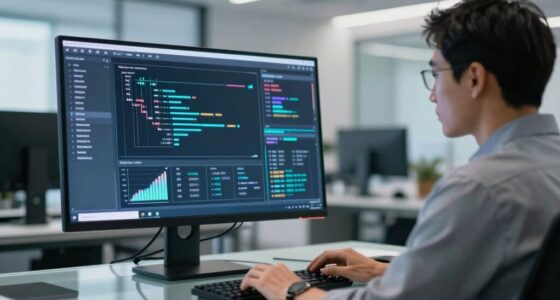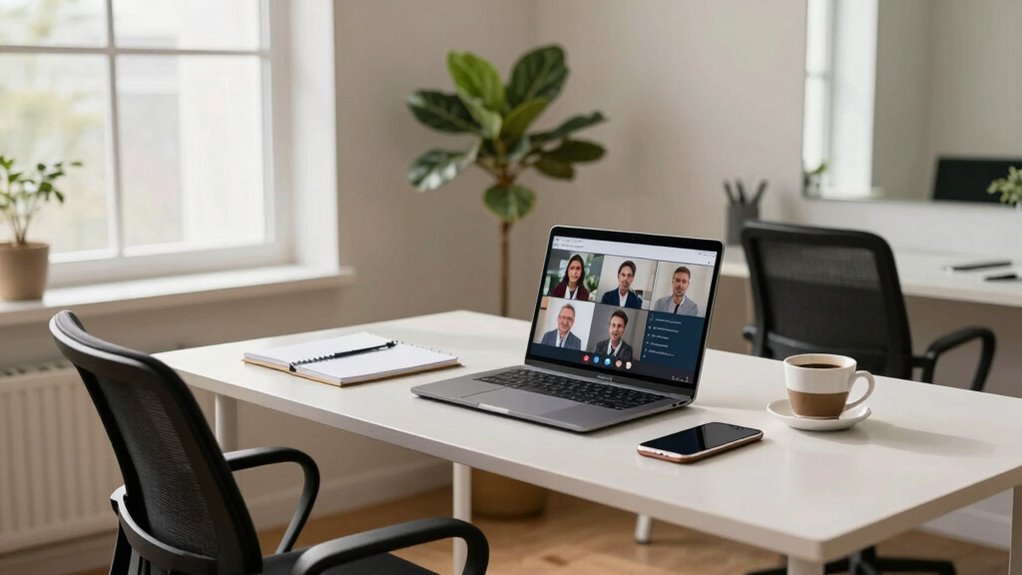

To prepare for a camera-based interview at home, make sure your tech works smoothly by testing devices and internet beforehand. Choose a quiet, clutter-free space with good lighting and set your camera at eye level. Dress professionally and practice confident body language, like maintaining eye contact and sitting up straight. Minimize distractions and familiarize yourself with the interview platform. If you keep these tips in mind, you’ll boost your confidence and make a great impression—all the details you need to master are ahead.

Get privacy and security gear delivered free with Prime
- Fast, free delivery on millions of items
- Prime Video, Amazon Music and more included
- Member-only deals all year
Key Takeaways
- Test all equipment and internet connection beforehand to ensure smooth technical performance during the interview.
- Choose a quiet, clutter-free space with good lighting and a neutral background to maintain focus.
- Dress professionally in solid colors and groom yourself to project confidence and polish.
- Practice maintaining natural eye contact and confident body language to appear engaged and approachable.
- Familiarize yourself with the interview platform and set up your environment early to reduce last-minute stress.

Preparing for a camera-based interview at home can feel intimidating, but with the right approach, you’ll boost your confidence and make a strong impression. One of the most important aspects is your body language. Even though you’re on camera, non-verbal cues communicate a lot to your interviewer. Sit up straight with your shoulders relaxed to project confidence and attentiveness. Maintain natural eye contact by looking into the camera lens rather than the screen, which creates a sense of connection and shows you’re engaged. Avoid fidgeting or excessive gestures, as these can distract the interviewer and give off nervous energy. Practice your body language in front of a mirror or record yourself to see how you come across. This helps you adjust your posture and gestures to appear more confident and approachable.
Equally essential is your technical setup. Before the interview, test your equipment thoroughly. Ensure your computer or device is fully charged or plugged in, and check your internet connection for stability. A slow or unreliable connection can cause lag, disruptions, or dropped calls, which may harm your chances of making a good impression. Position your camera at eye level to avoid awkward angles and ensure your face is well-lit. Natural light works best, so sit facing a window if possible, but if not, use soft, diffused artificial lights to illuminate your face evenly. Avoid harsh backlighting or cluttered backgrounds that distract from your face. Clear the area behind you, or use a neutral, tidy background to keep the focus on you. Additionally, test your microphone and speakers beforehand to confirm sound quality. Clear audio is essential; if your device’s built-in mic isn’t sufficient, consider investing in a dedicated microphone. Technical quality can greatly influence how your professionalism is perceived.
Creating a dedicated, quiet space free from interruptions is also crucial, as distractions can undermine your professionalism. Turn off notifications on your devices and inform others in your household about your interview time to minimize disturbances. It’s also helpful to familiarize yourself with the interview platform beforehand to troubleshoot any technical issues quickly. Being aware of potential technical difficulties allows you to stay calm and handle issues efficiently if they arise. Setting up your environment well in advance ensures everything is in place and reduces last-minute stress. Dress professionally, just as you would for an in-person interview, and wear solid colors that don’t distract from your face. Set up your environment well in advance to troubleshoot any potential issues and to verify everything is in place before your scheduled start. Remember, preparation isn’t just about having the right answers; it’s about presenting yourself confidently through your body language and technical setup. When you’re well-prepared, you’ll feel more relaxed and capable, making a memorable, positive impression on your interviewer.
professional webcam for video interviews
As an affiliate, we earn on qualifying purchases.
As an affiliate, we earn on qualifying purchases.
Frequently Asked Questions
How Do I Troubleshoot Technical Issues During the Interview?
When troubleshooting technical issues during your interview, stay calm and try basic software troubleshooting steps first. Check your internet connection, restart your device, and make sure your camera and microphone are properly connected and enabled. If you experience audio issues, test your microphone beforehand and adjust your audio settings. Keep a backup plan ready, like earphones or a different device, so you can quickly switch if problems persist.
What Should I Wear for a Virtual Interview?
For a virtual interview, you should dress professionally, adhering to the company’s dress code or opting for business casual if unsure. Choose wardrobe choices that are neat, solid-colored, and free of distracting patterns. Wear attire that makes you feel confident and comfortable, and avoid overly casual clothing like t-shirts or hoodie. Remember, your appearance should reflect your professionalism and make a positive impression on your interviewer.
How Can I Improve My Eye Contact on Camera?
Imagine a steady lighthouse beam piercing through fog—your eye focus should be just like that, unwavering and clear. To improve your eye contact, look directly into the camera lens, maintaining gaze consistency, as if you’re speaking to someone right in front of you. Practice by recording yourself, then review to make certain your eyes stay engaged and natural, helping you connect authentically during your virtual interview.
What Are Common Mistakes to Avoid in Online Interviews?
In online interviews, avoid poor body language like slouching or fidgeting, which can signal disinterest. Maintain good interview etiquette by dressing professionally and dressing the part, even on camera. Don’t forget to look directly into the camera to mimic eye contact, and stay attentive to your posture. Avoid distractions in the background, and guarantee your environment is quiet and well-lit. These habits help you project confidence and professionalism.
How Do I Handle Unexpected Interruptions During the Interview?
Imagine you’re a captain steering your ship through choppy waters. When unexpected interruptions occur, stay calm under pressure like a steady captain, and manage background distractions as if adjusting your sails. Politely acknowledge the interruption, briefly address it if needed, then refocus on the interview. Maintaining your composure guarantees you navigate through surprises smoothly, demonstrating confidence and professionalism, just like a skilled captain mastering turbulent seas.
ring light for video conferencing
As an affiliate, we earn on qualifying purchases.
As an affiliate, we earn on qualifying purchases.
Conclusion
Just like a seasoned actor stepping onto the stage, you’ve prepared your space, polished your responses, and practiced your delivery. With confidence and a clear mind, you’re ready to shine through the camera lens, showing your true potential. Remember, this moment is your spotlight—embrace it with the composure of a star ready for their close-up. When you step into that frame, let your authentic self take center stage and leave a lasting impression.
external microphone for computer
As an affiliate, we earn on qualifying purchases.
As an affiliate, we earn on qualifying purchases.
adjustable laptop stand for eye level
As an affiliate, we earn on qualifying purchases.
As an affiliate, we earn on qualifying purchases.
Halloween Picks
halloween
As an affiliate, we earn on qualifying purchases.