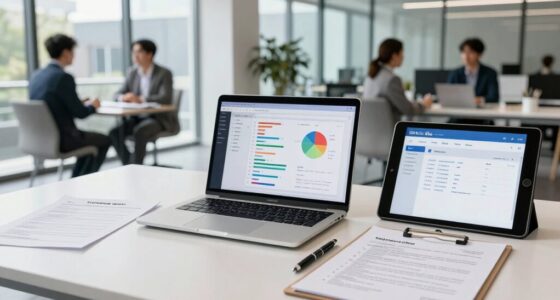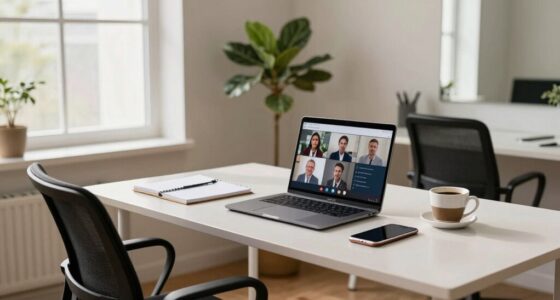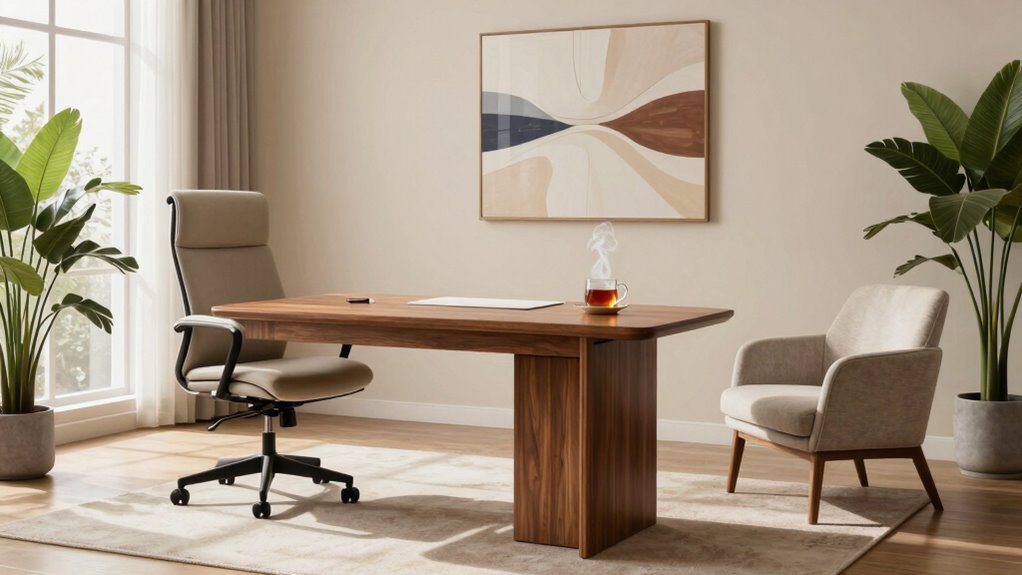

To build an interview setup that reduces stress, start by choosing a tidy, quiet space with a clean, professional background. Position yourself near natural light or use soft, adjustable lighting at a 45-degree angle to avoid shadows. Keep your device at eye level, charged, and within reach, using headphones for clear audio. Practice your setup first to identify and fix any issues, ensuring you feel confident and prepared—continuing will help you make the most of your interview experience.

Get privacy and security gear delivered free with Prime
- Fast, free delivery on millions of items
- Prime Video, Amazon Music and more included
- Member-only deals all year
Key Takeaways
- Maintain a tidy, distraction-free environment to foster focus and confidence during the interview.
- Ensure proper lighting with natural or soft lights to create a calm, professional atmosphere.
- Test all equipment and internet connection beforehand to prevent technical issues and reduce anxiety.
- Use comfortable, ergonomic seating and position your device at eye level for natural posture.
- Practice your setup by recording a mock interview to identify and fix potential stressors.
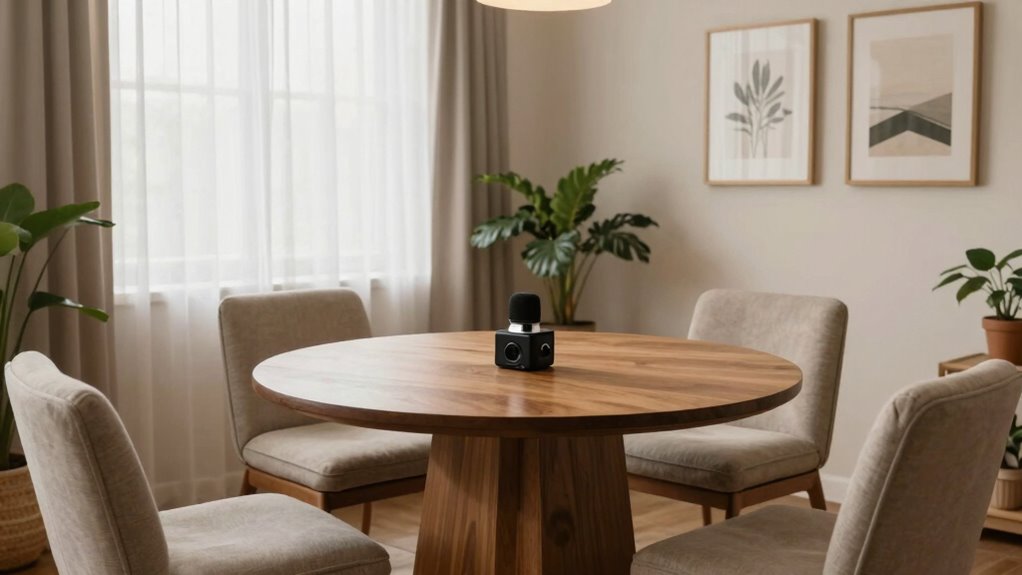
Preparing the right interview setup can considerably ease your nerves and help you perform at your best. One of the first things to focus on is creating a professional yet comfortable environment. A clean, uncluttered space will minimize distractions and keep the interviewer’s attention on you. Make sure your background is tidy and free of any personal items that might seem unprofessional or distract from your words. Using a virtual background can be a great solution if your physical environment isn’t ideal. Choose a simple, neutral image that looks polished and doesn’t draw attention away from you. Avoid overly busy or distracting backgrounds, as they can make it harder for the interviewer to focus on what you’re saying.
Create a tidy, professional background to minimize distractions and keep the focus on you during your interview.
Lighting adjustments are equally important. Good lighting ensures your face is clearly visible, which helps convey confidence and engagement. Natural light is often the best option, so position yourself near a window if possible. However, if natural light isn’t available or isn’t sufficient, invest in soft, adjustable lights. Avoid harsh, direct lighting that creates shadows or makes your face appear washed out. Position your lights at a 45-degree angle from your face to produce even illumination and reduce shadows. Test your lighting setup before the interview so you can make quick adjustments if needed. This will prevent you from appearing too dark or overly bright, which can be distracting and unprofessional. Additionally, lighting setup can be optimized by using diffusers or softboxes to achieve a more natural glow.
In addition to visual setup, think about your physical environment. Sit at a desk or table with your device at eye level. This posture looks more natural and confident, and it prevents you from appearing slouched or unengaged. Keep your phone, tablet, or laptop charged and close by, so you don’t have to fumble with cords or worry about your device dying mid-interview. Use headphones or earbuds with a microphone to improve audio clarity and reduce background noise, ensuring your voice comes through crisp and clear. Paying attention to lighting and environment can significantly influence how confident and prepared you appear. Moreover, having a dedicated quiet space free from interruptions can help you stay focused and present during the interview. Creating a professional setting demonstrates your seriousness and preparedness for the opportunity. Additionally, choosing a stable internet connection is crucial to avoid disruptions that could interrupt your flow or cause technical difficulties.
Practice your setup a few times before the interview day. Record yourself to check how everything looks and sounds, then make adjustments as needed. Remember, a well-prepared environment not only boosts your confidence but also demonstrates professionalism. When you’re comfortable with your setup, you’ll naturally feel less anxious and more focused on showcasing your skills. Ultimately, a thoughtful interview setup helps you present yourself in the best light, making it easier to connect with your interviewer and succeed.
adjustable desk lamp for video calls
As an affiliate, we earn on qualifying purchases.
As an affiliate, we earn on qualifying purchases.
Frequently Asked Questions
How Early Should I Arrive Before the Interview?
You should arrive about 10 to 15 minutes early for your interview. This shows good interview etiquette and allows you to manage your time effectively, reducing stress. Arriving too early might make you anxious, while arriving late can seem unprofessional. Use this time to compose yourself, review your notes, and get comfortable. Punctuality demonstrates respect and helps you start the interview with confidence and calmness.
What Should I Wear for a Virtual Interview?
Think of your virtual interview as a stage performance, and your outfit as your costume. Wear professional attire that aligns with the company’s dress code, whether it’s business casual or formal. Avoid flashy accessories or bright patterns that distract. A simple, neat look shows respect and confidence. Remember, dressing appropriately helps you feel prepared and makes a positive first impression, just like a well-chosen costume boosts a performer’s confidence.
How Can I Improve My Internet Connection?
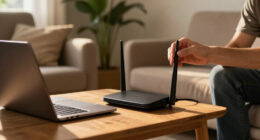
You can improve your internet connection by checking your internet speed before the interview to guarantee it’s fast enough. Position your device close to your Wi-Fi router to boost Wi-Fi stability, and avoid multiple devices using the network simultaneously. Restart your router to refresh the connection, and consider using a wired Ethernet connection if possible for a more reliable, stable internet connection. These steps help prevent disruptions during your interview.
Should I Prepare Questions for the Interviewer?
Yes, you should prepare questions for the interviewer. Studies show that candidates who ask thoughtful questions boost their confidence and foster better interviewer rapport, making a positive impression. When you come prepared, you demonstrate genuine interest and engagement, which helps reduce nervousness. Asking questions also allows you to gather insights and shows you’re proactive, ultimately increasing your chances of success in the interview process.
How Do I Handle Unexpected Technical Issues?
When unexpected technical issues happen, stay calm and quickly perform technical troubleshooting, like checking your internet connection or restarting devices. Have a contingency plan in place, such as a backup device or an alternative communication platform. Inform the interviewer promptly if problems arise, and reassure them you’re working to resolve the issue. This proactive approach demonstrates professionalism and helps keep the interview on track despite technical setbacks.
ergonomic office chair for home setup
As an affiliate, we earn on qualifying purchases.
As an affiliate, we earn on qualifying purchases.
Conclusion
Remember, a calm environment sets the stage for success. By thoughtfully designing your interview space, you’re not just easing your nerves but also creating a welcoming atmosphere for your candidates. Keep in mind the saying, “A calm sea does not make a skilled sailor.” With patience and preparation, you’ll build an interview setup that fosters confidence and clarity—making each interview a step toward better connections and outcomes.
As an affiliate, we earn on qualifying purchases.
As an affiliate, we earn on qualifying purchases.
Halloween Picks
halloween
As an affiliate, we earn on qualifying purchases.