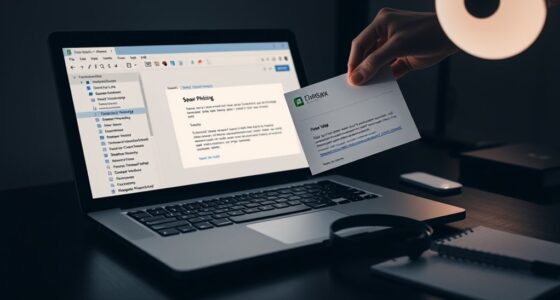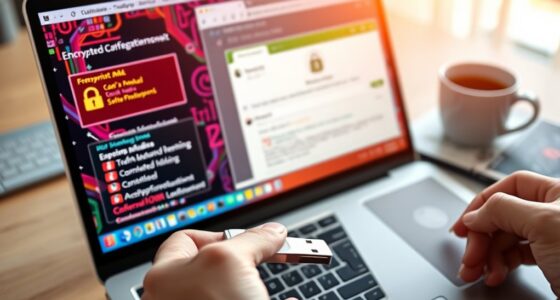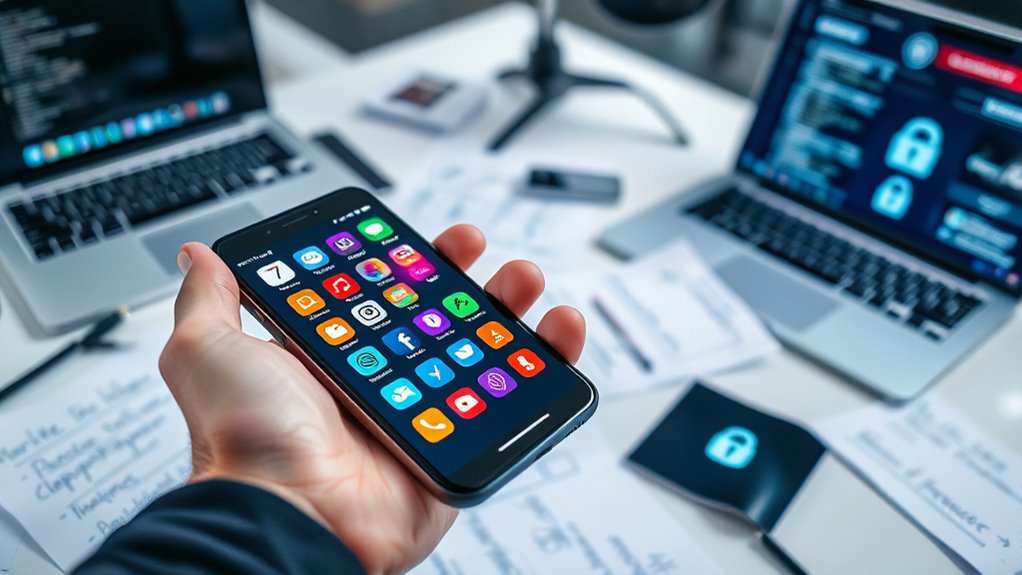

Using a password manager is essential for your security because it helps you create and store strong, unique passwords for all your accounts, reducing the risk of hacks and data breaches. It auto-fills login details, saving time and preventing phishing scams. Plus, features like biometric access and cloud sync keep your passwords safe and accessible across devices. If you want to protect your digital world even better, there’s more to discover.

Get privacy and security gear delivered free with Prime
- Fast, free delivery on millions of items
- Prime Video, Amazon Music and more included
- Member-only deals all year
Key Takeaways
- They securely store and organize multiple passwords, reducing the risk of weak or reused credentials.
- Password managers generate strong, unique passwords for each account, enhancing overall security.
- Biometric authentication adds an extra layer of protection, preventing unauthorized access.
- Cloud synchronization ensures passwords are safely accessible across devices, minimizing data loss.
- They monitor for breaches and enable quick password changes to mitigate cyber threats.
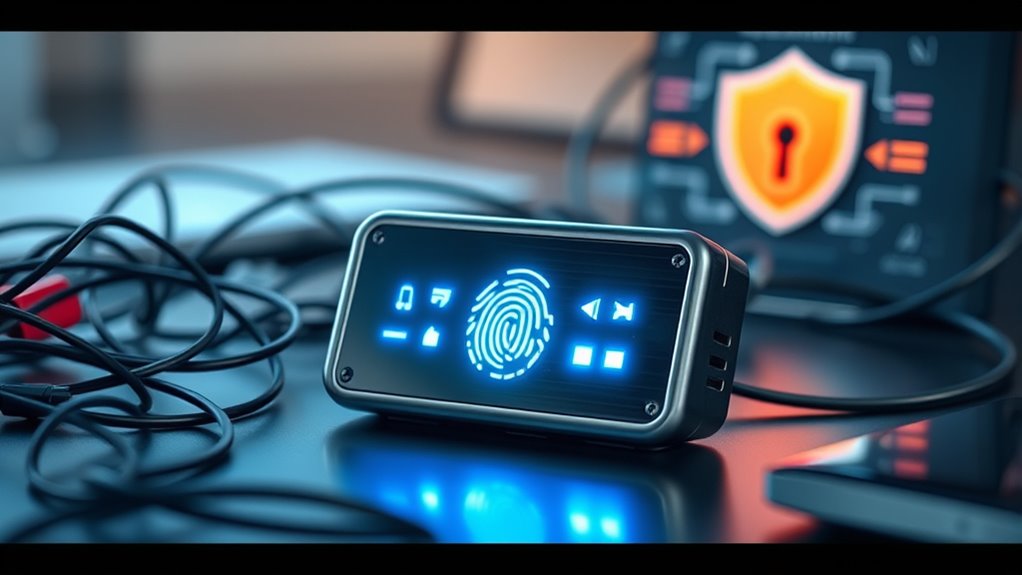
In today’s digital world, remembering dozens of passwords can be overwhelming and risky. That’s where password managers come in, acting as your digital vault to securely store and organize all your login details. Instead of juggling multiple passwords, you only need to remember one strong master password. Many modern password managers now incorporate biometric authentication, allowing you to access your vault with your fingerprint or facial recognition. This adds an extra layer of security, making it difficult for anyone else to access your sensitive information even if your device is lost or stolen. Biometric authentication combines convenience with security, so you don’t have to type in complex passwords every time you log in. Plus, with cloud synchronization, your passwords are securely stored across all your devices, guaranteeing you have access wherever you go. Whether you’re on your phone, tablet, or laptop, your password manager keeps everything up to date and synchronized in real-time. This seamless syncing minimizes the risk of using weak or reused passwords, which are common vulnerabilities. Instead, you can generate strong, unique passwords for each account, knowing they’re securely saved and accessible when needed. Cloud synchronization also means that even if you lose your device, your passwords aren’t lost—they’re stored securely in the cloud, protected by encryption. This feature provides peace of mind, especially if you regularly switch between devices or need quick access from multiple locations. Another advantage of password managers with biometric authentication and cloud sync is their ability to auto-fill login forms. This saves you time and reduces the risk of phishing attacks, as the manager fills in the credentials only on genuine sites. Additionally, many managers monitor for data breaches, alerting you if your stored passwords are compromised elsewhere. This proactive approach helps you change passwords quickly, maintaining your security. By enabling biometric access, these tools strike a perfect balance between security and usability. You don’t have to remember or type complicated passwords, yet your data remains protected against hackers. The cloud sync feature guarantees you’re never locked out of your accounts, whether you’re at home, at work, or traveling. As cyber threats evolve, relying solely on simple passwords isn’t enough; a password manager with biometric authentication and cloud synchronization becomes an essential part of your digital security toolkit. It helps you stay protected, organized, and efficient while minimizing the risks associated with weak or reused passwords. In a world where cyberattacks are increasingly sophisticated, using a password manager isn’t just convenient—it’s a smart, proactive step to safeguard your personal information. Additionally, understanding the effectiveness of biometric authentication can enhance your confidence in these tools’ security features.
best password manager with biometric authentication
As an affiliate, we earn on qualifying purchases.
As an affiliate, we earn on qualifying purchases.
Frequently Asked Questions
Are Password Managers Safe From Hacking Attempts?
Yes, password managers are generally safe from hacking attempts. They use strong encryption protocols to protect your stored data, making it nearly impossible for hackers to access your passwords. Additionally, they rely on user authentication methods, such as master passwords or biometric verification, to guarantee only you can access your vault. While no system is completely invulnerable, reputable password managers offer robust security features that markedly reduce your risk.
Can Password Managers Store Other Sensitive Information Securely?
Yes, you can store other sensitive information securely with a password manager. While it safeguards passwords through strong encryption methods, it also encrypts data like credit card details, notes, and personal info, keeping them protected from hackers. Plus, data synchronization across devices ensures your information stays up-to-date and accessible, all while maintaining high security standards. This combination makes password managers a reliable vault for all your sensitive data.
Do Password Managers Work Across All Devices and Browsers?
Yes, password managers work across all devices and browsers thanks to their cross-platform compatibility and seamless browser integration. You can access your passwords on smartphones, tablets, or desktops without hassle. Most popular password managers offer extensions or apps for major browsers like Chrome, Firefox, Safari, and Edge, ensuring you stay protected and logged in wherever you go. This consistency helps you manage your passwords securely across all your devices.
How Do Password Managers Handle Password Sharing Securely?
Sharing passwords securely is like passing a secret through a locked box. Your password manager encrypts the data before transmission, guaranteeing secure sharing. It uses encrypted transmission to keep your passwords safe from prying eyes. You control who gets access, and the manager ensures the shared info remains confidential. This way, you can effortlessly share passwords without risking exposure, knowing your secrets stay locked tight until you decide to open them.
What Are the Costs Associated With Premium Password Managers?
Premium password managers typically cost subscription fees ranging from $3 to $10 per month, depending on the provider and features offered. These costs often cover additional security features, priority support, and unlimited device syncing. However, you should watch out for feature limitations in lower-tier plans, which might restrict number of stored passwords or advanced tools. Investing in a premium plan guarantees better security, but make sure it fits your budget and needs.
As an affiliate, we earn on qualifying purchases.
Conclusion
Using a password manager might seem like extra effort, but it’s well worth it for your security. It helps you create strong, unique passwords without the hassle of remembering them all. And if you worry about security breaches, rest assured—trusted managers encrypt your data, making it safe. Don’t let fear of complexity hold you back; embracing a password manager is a simple step toward better protection and peace of mind online.
As an affiliate, we earn on qualifying purchases.
password generator and storage tool
As an affiliate, we earn on qualifying purchases.
As an affiliate, we earn on qualifying purchases.
Fall Picks
fall essentials
As an affiliate, we earn on qualifying purchases.