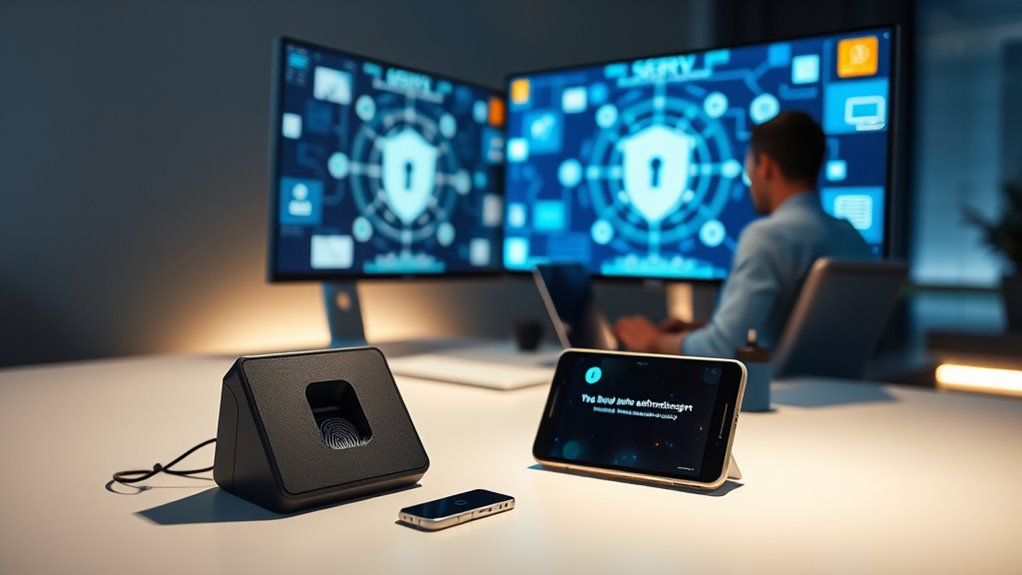

Using Single Sign-On combined with Multi-Factor Authentication simplifies your login process by reducing the need to remember multiple passwords, allowing you to move seamlessly between applications. It also boosts security by adding layers like fingerprint scans or one-time codes, protecting your accounts from breaches. You’ll enjoy faster onboarding and easier management, while organizations benefit from better control and compliance. Keep exploring to discover how these features work together to create a smoother, safer user experience.
Key Takeaways
- Streamlined login process reduces password fatigue and allows effortless access across multiple applications.
- Seamless authentication enables smooth user transitions without repeated logins, enhancing overall experience.
- Combining SSO with MFA maintains high security while minimizing user inconvenience and login disruptions.
- Customizable MFA options balance security needs with user convenience, adapting to different risk levels.
- Cookies and session management support continuous access, making user interactions more efficient and satisfying.
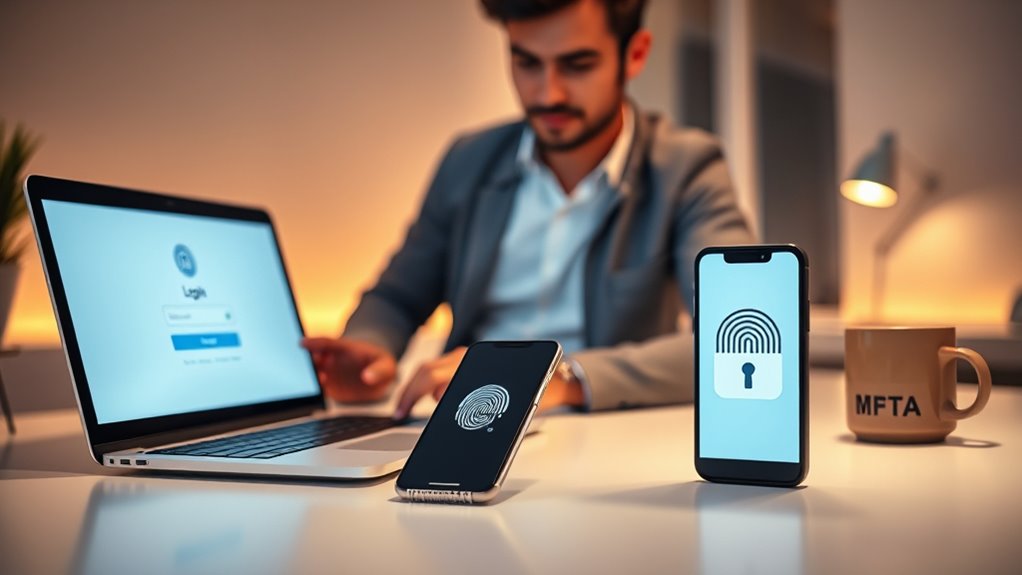
Implementing Single Sign-On (SSO) combined with Multi-Factor Authentication (MFA) can substantially improve your users’ experience while enhancing security. When you streamline the login process, users no longer need to remember multiple passwords or navigate through numerous authentication steps for different applications. Instead, they enjoy seamless authentication, accessing various services with a single set of credentials. This not only reduces frustration but also saves time, making your platform more user-friendly and encouraging engagement. By integrating SSO with MFA, you’re providing a multi-layer security approach that protects user accounts from unauthorized access while keeping the login process smooth and efficient.
Streamlined SSO and MFA enhance security and user experience with seamless, single-credential access across applications.
Seamless authentication is at the core of this setup. It ensures users can move effortlessly between applications without repeated logins, which is especially valuable in environments with multiple tools or services. When users trust the security measures in place, they’re more likely to adopt and stick with your platform. MFA adds an extra layer of security by requiring users to verify their identity through multiple methods, such as a fingerprint, a one-time code sent to their mobile device, or a biometric scan. Combining this with SSO means that users only need to authenticate once, but that single authentication grants access to all connected systems securely. This multi-layer security approach markedly reduces the risk of breaches caused by compromised passwords or phishing attacks.
You’ll find that implementing these technologies also simplifies administrative management. Users benefit from fewer passwords to remember and reset, and IT teams gain better visibility into access logs and security policies. This makes it easier to enforce compliance and respond to suspicious activities swiftly. Additionally, with SSO and MFA, onboarding new users becomes quicker, as they only need to go through the registration process once. The convenience improves overall user satisfaction, which can boost productivity and engagement.
Furthermore, this combination prepares your organization for future growth and evolving security threats. As cyberattacks become more sophisticated, having a robust multi-layer security system in place ensures you stay protected without sacrificing ease of use. You can customize MFA methods to suit your users’ preferences and risk levels, maintaining a balance between security and user convenience. Additionally, cookies are used to enhance the user experience by remembering preferences and login states across sessions, which can be integrated seamlessly with SSO systems. Overall, adopting SSO with MFA creates a more secure, seamless experience that benefits both your users and your organization’s security posture.
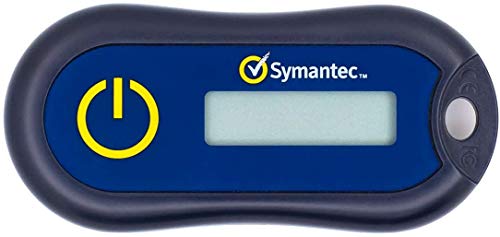
Symantec VIP Hardware Authenticator – OTP One Time Password Display Token – Two Factor Authentication – Time Based TOTP – Key Chain Size
Standard OATH compliant TOTP token (time based)
As an affiliate, we earn on qualifying purchases.
As an affiliate, we earn on qualifying purchases.
Frequently Asked Questions
How Does SSO Impact Data Privacy?
Single Sign-On impacts your data privacy by centralizing login data, which can pose risks if not properly secured. You need to guarantee data encryption during transmission and storage to protect sensitive information. Additionally, reviewing privacy policies helps you understand how your data is used and shared. When implemented with strong encryption and clear policies, SSO improves convenience without compromising your privacy.
What Are the Costs of Implementing MFA?
Implementing MFA involves costs like purchasing hardware tokens or subscription fees for authentication services, which you should include in your cost analysis. While these expenses might seem significant upfront, they improve user convenience by adding an extra security layer without overly complicating login processes. Overall, investing in MFA can save you money by preventing costly security breaches, making it a smart choice for balancing security and user experience.
Can MFA Be Bypassed?
MFA can be bypassed, especially if vulnerabilities exist or device trust is compromised. For example, attackers have exploited MFA vulnerabilities by intercepting one-time codes or using social engineering. If you don’t verify device trust, malicious devices might trick the system into granting access. While MFA profoundly enhances security, it’s not foolproof—always stay vigilant and combine it with other security measures to reduce bypass risks.
How Does SSO Handle Multiple Device Access?
SSO handles multiple device access through device synchronization and cross-platform compatibility. When you log in on one device, SSO authenticates you and securely syncs your session across other devices. This means you can seamlessly switch between devices without re-entering credentials. It maintains consistent access, whether you’re on a smartphone, tablet, or desktop, providing a smooth user experience while keeping security intact across all platforms.
What Are Best Practices for MFA Recovery Options?
You should have clear emergency protocols in place for MFA recovery, such as backup codes or alternative verification methods. Educate users on these options and make sure they understand how to access them if needed. Regularly review and update recovery options to prevent lockouts. By proactively informing users and establishing secure, accessible recovery processes, you minimize disruptions and maintain a seamless security experience.
single sign-on software for businesses
As an affiliate, we earn on qualifying purchases.
As an affiliate, we earn on qualifying purchases.
Conclusion
By embracing single sign-on and MFA, you transform a tedious login process into a seamless, secure experience. Think of it as opening a door with a master key—convenient yet safe. Don’t let complexity hold you back; instead, empower your users with effortless access that strengthens security. When you prioritize these tools, you’re not just enhancing convenience—you’re building trust and confidence. After all, isn’t a smoother journey worth the effort?
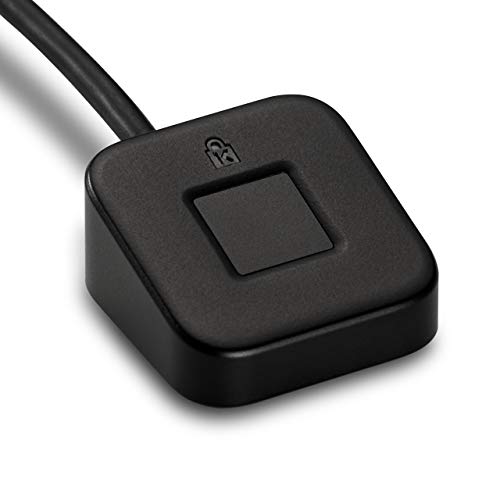
Kensington VeriMark Desktop USB Fingerprint Reader – Windows Hello, Windows 11 Fingerprint Scanner for PC, FIDO U2F, FIDO2 (K62330WW)
FIDO U2F certified, and FIDO2 WebAuthn compatible for expanded authentication options, including strong single-factor (passwordless), dual, multi-factor, and…
As an affiliate, we earn on qualifying purchases.
As an affiliate, we earn on qualifying purchases.
one-time password generator
As an affiliate, we earn on qualifying purchases.
As an affiliate, we earn on qualifying purchases.