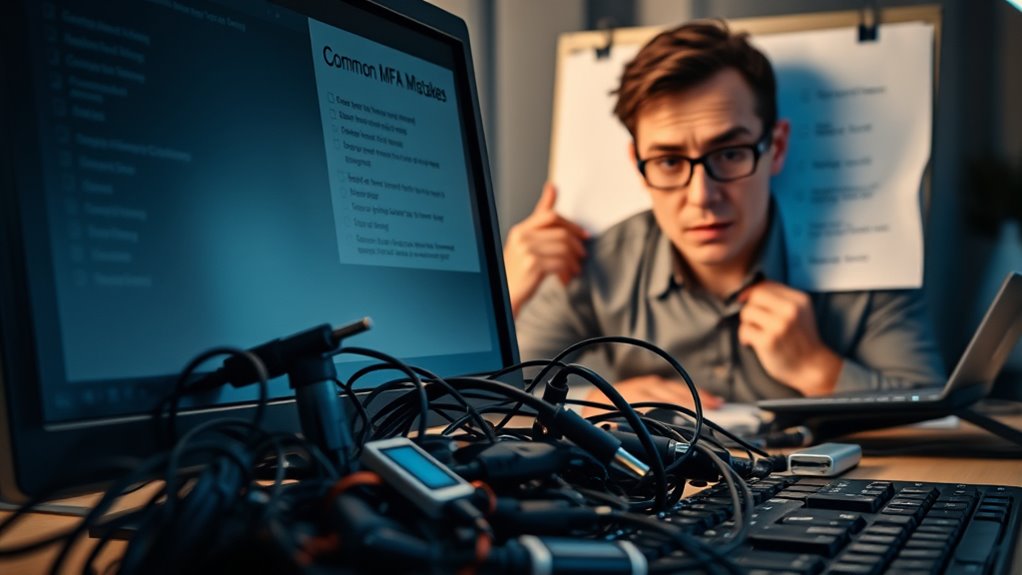
Common MFA implementation mistakes include relying solely on biometric factors, which are vulnerable to spoofing and data theft, and neglecting user education, leading to social engineering or mishandling authentication tools. Overconfidence in MFA alone can create a false sense of security, so it is crucial to combine multiple safeguards and continuously update security measures. Fostering a security-aware culture also helps reduce human error. Keep exploring to discover effective strategies to strengthen your MFA deployment.
Key Takeaways
- Relying solely on biometric authentication without incorporating liveness detection increases spoofing risks.
- Failing to educate users about social engineering threats and proper security practices leaves systems vulnerable.
- Overlooking regular review and updates of MFA configurations weakens defenses against evolving threats.
- Ignoring the importance of combining MFA with additional security measures like tokens or secure backup methods.
- Not fostering a security-aware culture reduces vigilance, increasing susceptibility to human error and social engineering attacks.
Are you confident that your multi-factor authentication (MFA) deployment is foolproof? Many organizations assume that simply implementing MFA secures their systems, but overlooking certain vulnerabilities can leave you exposed. One common mistake is underestimating biometric vulnerabilities. Biometric authentication—using fingerprints, facial recognition, or iris scans—offers convenience, but it’s not invulnerable. Hackers can exploit flaws like spoofing attacks or compromised biometric data. For example, high-resolution images or molds can trick facial recognition systems, and stolen fingerprint data can be reused elsewhere. Relying solely on biometrics without additional safeguards creates a false sense of security. To avoid this pitfall, you need to understand these vulnerabilities and complement biometric methods with other MFA factors, such as tokens or passwords. Furthermore, biometric systems should be integrated with liveness detection features to distinguish real users from fake replicas.
Equally important is user education. Many MFA failures stem from users misunderstanding how to properly use authentication tools or falling for social engineering tactics. Employees might neglect to recognize phishing attempts that seek to steal MFA codes or biometric data. Without proper training, they may inadvertently expose sensitive information or disable security features. Educating users about the importance of keeping biometric data confidential and recognizing suspicious activity isn’t a one-time task; it’s an ongoing process. You should regularly update staff on emerging threats and best practices. This way, they become active participants in your security strategy rather than weak links. Also, emphasize the importance of safeguarding backup recovery options, like backup codes or secondary authentication methods, so attackers don’t find easy entry points if biometric or primary MFA methods are compromised. Additionally, understanding emerging vulnerabilities in biometric systems can help you stay ahead of potential threats and adapt your security measures accordingly.
Another mistake is assuming that MFA alone will solve all security issues. MFA is an essential layer, but it works best when combined with extensive policies and user awareness. Failing to regularly review and update MFA configurations, or neglecting to monitor login attempts for suspicious activity, can undermine even the strongest MFA setup. Remember, no security measure is perfect, especially when human factors come into play. Biometric vulnerabilities highlight the need to understand technical limitations, while user education underscores the importance of human vigilance. By addressing both areas, you ensure that your MFA deployment isn’t just a checkbox but a resilient, adaptive security measure. Ultimately, staying informed about emerging vulnerabilities and fostering a security-conscious culture among your users is key to truly making MFA effective.
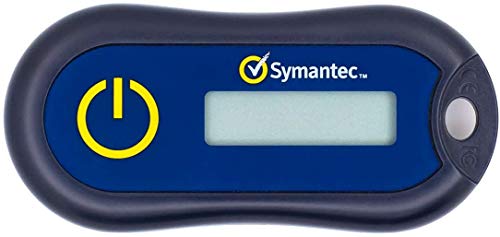
Symantec VIP Hardware Authenticator – OTP One Time Password Display Token – Two Factor Authentication – Time Based TOTP – Key Chain Size
Standard OATH compliant TOTP token (time based)
As an affiliate, we earn on qualifying purchases.
As an affiliate, we earn on qualifying purchases.
Frequently Asked Questions
How Can I Measure MFA Effectiveness Over Time?
You can measure MFA effectiveness over time by analyzing MFA analytics and user engagement data regularly. Track metrics like login success rates, authentication failure rates, and helpdesk tickets related to MFA issues. Monitoring trends helps you identify areas for improvement. By reviewing these metrics consistently, you’ll see how well your MFA system adapts to user behaviors and whether security levels are maintained or improved, ensuring continuous effectiveness.
What Are the Best Practices for Onboarding Users to MFA?
Think of onboarding users to MFA like guiding a novice through a new adventure. You should streamline enrollment by providing clear instructions, offering multiple authentication options, and ensuring support is available. Use engaging training materials and communicate the benefits of MFA to motivate participation. Follow best practices for user onboarding by making the process simple, secure, and accessible, so users feel confident and comfortable adopting this essential security step.
How Do I Handle MFA Support for Disabled Users?
When handling MFA support for disabled users, prioritize user accessibility by offering multiple authentication options, such as voice, text, or hardware tokens. Be proactive in addressing support challenges by providing clear, accessible instructions and dedicated assistance channels. Guarantee your support team is trained on accessibility needs, and regularly review policies to accommodate different disabilities. This approach fosters an inclusive environment and minimizes friction for all users.
What Are Common MFA Integration Challenges With Legacy Systems?
You might face unexpected hurdles when integrating MFA with legacy systems, especially during user onboarding. Compatibility issues can arise, causing delays and frustration. Legacy systems often lack modern authentication protocols, demanding custom solutions that complicate the process. You need to plan carefully, test thoroughly, and make certain smooth communication between new MFA tools and old infrastructure to prevent security gaps and keep user experience seamless.
How Can I Balance Security and User Convenience in MFA?
You can balance security and user convenience by choosing MFA methods that align with your users’ needs, like push notifications or biometrics, which enhance user experience while maintaining strong security. Understand the security trade-offs of each method, and implement a layered approach that minimizes friction without compromising safety. Regularly gather user feedback and adjust policies accordingly, ensuring that security measures are effective yet seamless for your users.

AI Hidden Camera Detector,High Precision Bug & WiFi Scanner Finder,All in One Hidden Devices Detector with 6 Sensitivity Levels & 4 Detection Modes,GPS Trackers for Hotel,Bathroom,Office,Car&Travel
6 in 1 Privacy Protector:This multi-functional tracker detector integrates 6 core protection features: Hidden Cameras Detection, red-light optical…
As an affiliate, we earn on qualifying purchases.
As an affiliate, we earn on qualifying purchases.
Conclusion
To truly strengthen your security, it’s important to recognize that no implementation is perfect. By staying aware of common pitfalls and gently refining your approach, you can create a more resilient system. Remember, every step you take toward better MFA practices is a step away from potential vulnerabilities. Embrace continuous improvement, and trust that your efforts are guiding you toward a safer digital environment. Small adjustments today can lead to a more secure tomorrow.
secure backup codes for MFA
As an affiliate, we earn on qualifying purchases.
As an affiliate, we earn on qualifying purchases.
phishing awareness training kits
As an affiliate, we earn on qualifying purchases.
As an affiliate, we earn on qualifying purchases.