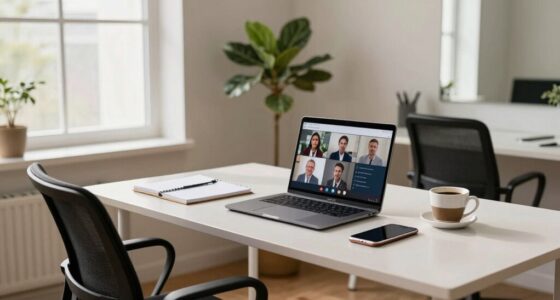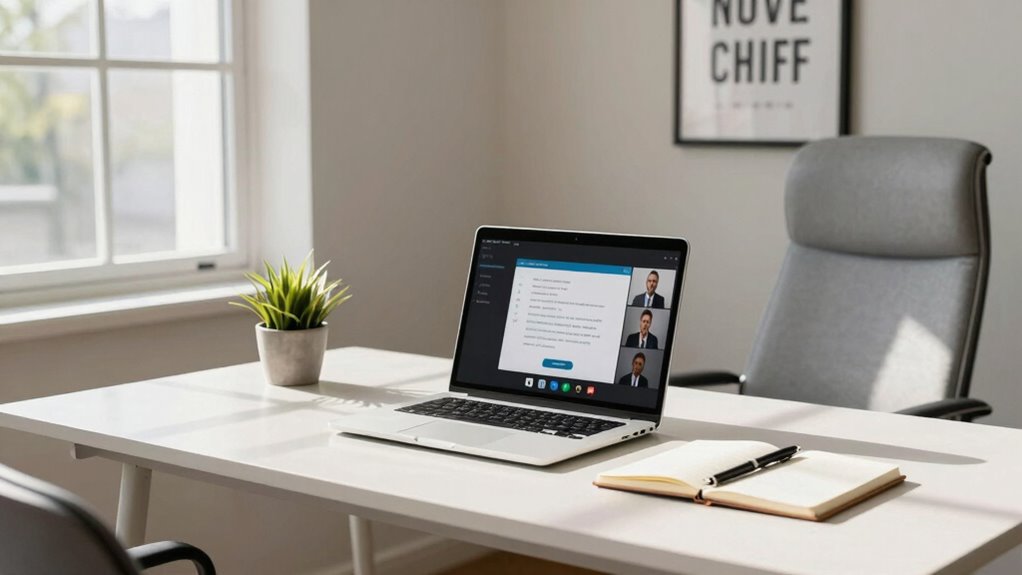

To prepare for camera-based interviews at home, choose a simple, tidy background aligned with your industry and test virtual backgrounds beforehand. Make sure your lighting is even and soft, ideally using natural light or affordable tools like ring lights. Position your camera at eye level and create a quiet, distraction-free environment to stay focused. Pay attention to your surroundings and equipment, and you’ll project confidence and professionalism—keep going to discover even more tips for acing your interview.

Get privacy and security gear delivered free with Prime
- Fast, free delivery on millions of items
- Prime Video, Amazon Music and more included
- Member-only deals all year
Key Takeaways
- Choose a clean, uncluttered background that aligns with your industry and minimizes distractions.
- Ensure proper lighting by facing natural light or using soft, even artificial lights for clear visibility.
- Test your camera, microphone, and internet connection ahead of time to prevent technical issues.
- Position your camera at eye level for a natural, engaging interview posture.
- Select a quiet, organized space free from interruptions to maintain professionalism.
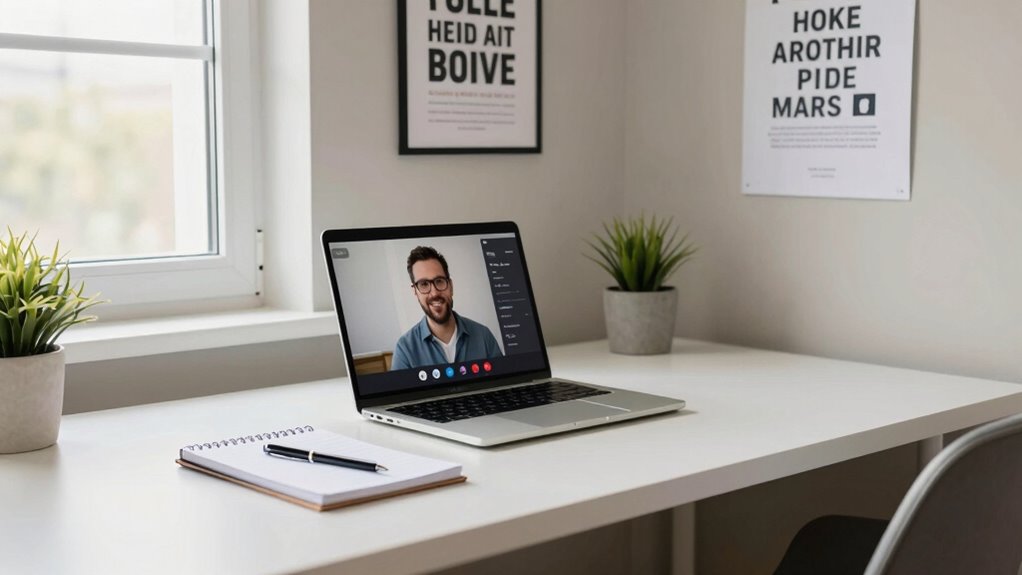
Preparing for a camera-based interview at home can feel intimidating, but with the right approach, you can boost your confidence and make a strong impression. One of the first things to think about is your background. Using a virtual background can help eliminate distractions and create a professional setting, especially if your actual environment isn’t ideal. Choose a simple, tidy background that aligns with the industry you’re interviewing for. Avoid clutter or overly busy images, as they can divert attention away from you. Test your virtual background beforehand to guarantee it displays correctly and doesn’t glitch during the call. Keep in mind that some virtual backgrounds work better with good lighting and high-quality camera setups, so check your equipment compatibility. Additionally, understanding the emerging trends in digital publishing can help you stay informed about new tools and techniques to enhance your virtual presence.
Next, focus on your lighting. Proper lighting is essential because it affects how clearly the interviewer can see you and how confident you appear on camera. Use natural light if possible—position yourself facing a window during the day. If natural light isn’t available or insufficient, invest in affordable lighting techniques like ring lights or softboxes. Aim for even lighting that illuminates your face without casting harsh shadows. Avoid backlighting, which can make you appear as a silhouette, or harsh overhead lights that create unflattering shadows. The goal is to produce a soft, balanced light that highlights your face naturally and makes your expressions easy to read. Adjust your lighting angles and intensity until your face is clearly visible and well-lit from the camera’s perspective. Ensuring your camera setup is optimized can further improve your image quality and overall appearance during the interview. It’s also helpful to familiarize yourself with lighting techniques to achieve the best results. Paying attention to your environment can significantly impact how professional you appear on camera, so choose a space that is quiet and free from interruptions. Additionally, adjusting your camera positioning can help you maintain a natural and engaging posture, making your communication more effective.
ring light for video conferencing
As an affiliate, we earn on qualifying purchases.
As an affiliate, we earn on qualifying purchases.
Frequently Asked Questions
How Should I Dress for a Remote Interview?
You should dress in professional attire that fits the role you’re applying for, ensuring you look polished and confident. Opt for solid colors and avoid busy patterns that can distract on camera. Follow grooming tips like neat hair, minimal makeup, and clean-shaven or well-groomed facial hair. Dressing appropriately not only boosts your confidence but also shows your professionalism, making a strong impression during your remote interview.
What Should I Do if My Internet Connection Is Unstable?
Imagine your internet connection as a steady stream—when it falters, you need a backup plan. Quickly troubleshoot your internet by restarting your router or switching to a wired connection if possible. Keep a backup connectivity option like a mobile hotspot ready to guarantee you stay connected. This proactive approach prevents disruptions, helping you stay confident and focused during your remote interview, even when your main connection hits a snag.
How Can I Improve My Eye Contact on Camera?
To improve your eye contact on camera, look directly into the lens, not the screen, to create a sense of connection. Maintain engagement by occasionally glancing at your notes, but return focus to the lens. Managing nervousness helps you stay natural, so practice in front of a mirror or record yourself. This boosts confidence and guarantees your eye contact appears authentic, making a positive impression during your interview.
What Are Common Technical Issues During Virtual Interviews?
Imagine a smooth glass surface reflecting your confident image—technical issues can cloud that clarity. Common problems include virtual background troubleshooting errors or laggy visuals, and audio quality dips that disrupt communication. To avoid these, test your virtual background beforehand and guarantee your microphone and speakers are working well. Keep your software updated, and consider using headphones to improve audio clarity, helping you project professionalism despite digital hiccups.
How Do I Handle Distractions During a Remote Interview?
To handle distractions during a remote interview, you should create a quiet interview environment, minimizing background noise. Inform others in your household about your scheduled interview to prevent interruptions. Use noise-canceling headphones if needed, and guarantee your surroundings are tidy and professional. Stay focused, maintain eye contact with the camera, and keep your attention on the conversation despite potential background noise or distractions, showing your professionalism.
As an affiliate, we earn on qualifying purchases.
Conclusion
Preparing for a camera-based interview at home can boost your confidence and increase your chances of success. Did you know that 86% of employers say video interviews are just as important as in-person ones? By setting up a quiet space, practicing your answers, and testing your tech beforehand, you’ll present yourself at your best. Remember, a little preparation today can open doors to tomorrow’s opportunities—so get ready to impress from the comfort of your home.
As an affiliate, we earn on qualifying purchases.
microphone for remote interviews
As an affiliate, we earn on qualifying purchases.
As an affiliate, we earn on qualifying purchases.
Halloween Picks
halloween
As an affiliate, we earn on qualifying purchases.