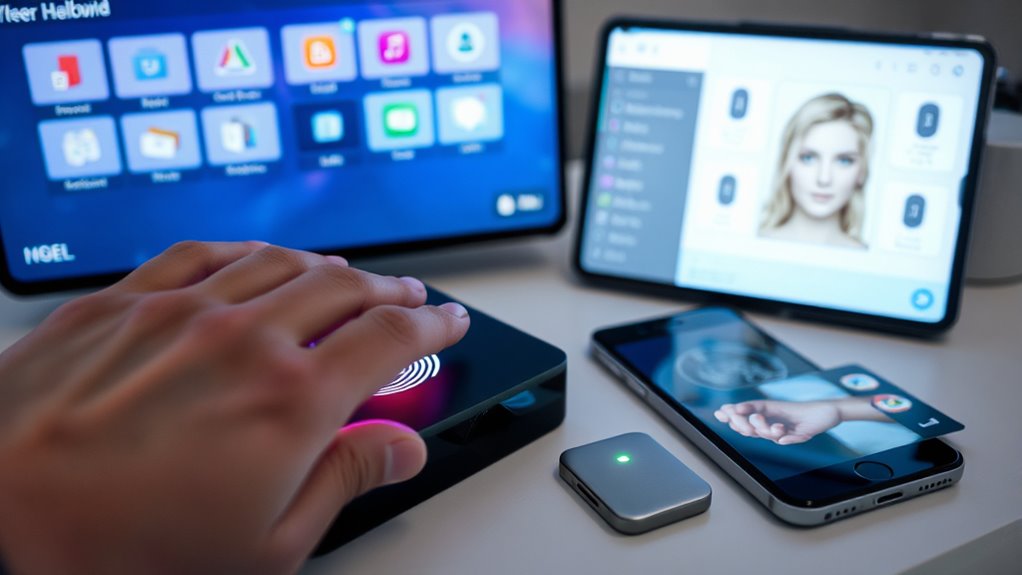
When choosing between MFA methods, consider your security needs and convenience. Biometrics like fingerprint or facial recognition offer quick, effortless access but can be affected by environmental factors. Software MFA, such as authenticator apps, balances security and ease by generating codes on your devices. Hardware tokens provide high security but may be less convenient due to physical management. To find the best fit for you, understanding each option’s pros and cons can help guide your decision.
Key Takeaways
- Biometrics offer quick, convenient access but can be affected by environmental factors and spoofing risks.
- Software MFA provides a good security balance with ease of use across multiple devices.
- Hardware tokens deliver maximum security but may be less convenient due to physical requirements.
- Consider environmental conditions and security needs when choosing biometric, software, or hardware MFA methods.
- The optimal MFA method depends on balancing user convenience with the required level of security.
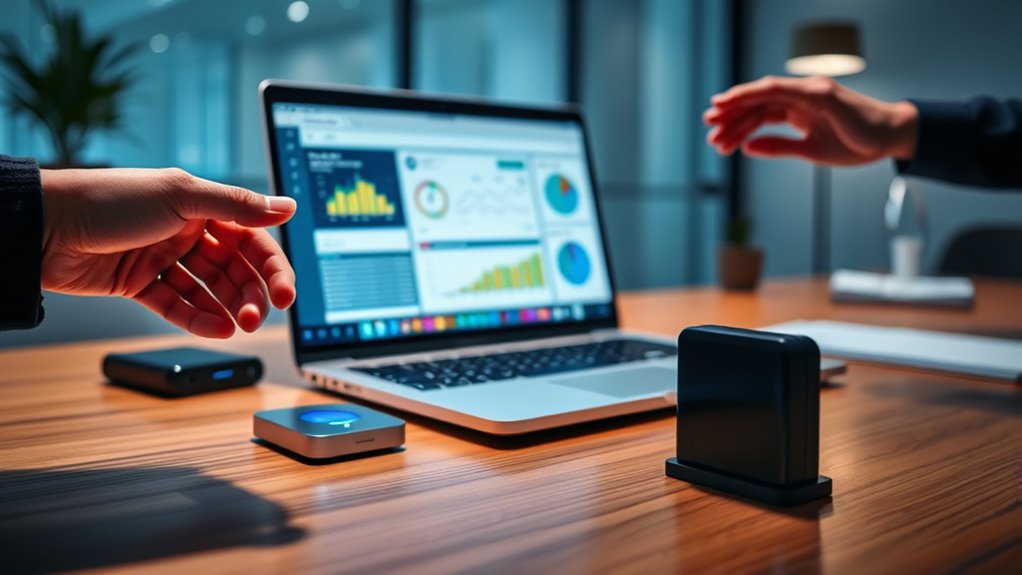
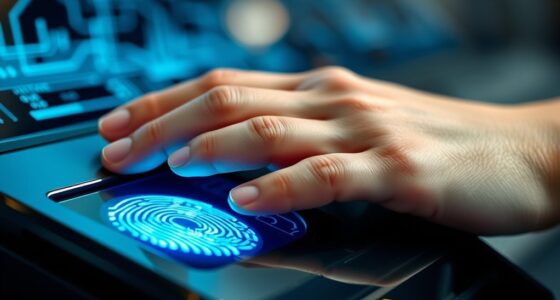
Selecting the right multi-factor authentication (MFA) methods is essential for securing your accounts without sacrificing convenience. When choosing between software, hardware, or biometric options, you need to contemplate how each balances security with user convenience. Biometric methods, such as fingerprint or facial recognition, are popular because they often offer high biometric accuracy, making it easy for you to authenticate quickly and confidently. Unlike traditional passwords or PINs, biometric authentication doesn’t require you to remember or type anything, which boosts user convenience. This speed and simplicity can be a substantial advantage if you access your accounts frequently or on the go. However, it’s important to recognize that biometric accuracy can vary based on the technology and environmental factors. For example, fingerprint scanners work well most of the time but might struggle with dirty or injured fingers. Facial recognition may falter in poor lighting or if your appearance changes considerably. Despite these limitations, biometric MFA remains a compelling option because it reduces reliance on memory-based credentials, streamlining your login process. Additionally, biometric systems often employ advanced security measures that help protect against spoofing and unauthorized access.
When contemplating software MFA, you typically use apps like Google Authenticator or Authy that generate time-based codes. These are easy to set up and widely compatible across devices, providing a good balance of security and user convenience. You don’t need to carry extra hardware, but you do need to have your phone or device accessible at login. They’re less vulnerable to physical theft than hardware tokens but can be susceptible to malware or phishing if your device is compromised. Software MFA is flexible and often quick to deploy, making it ideal for personal and even organizational use, especially when you want to avoid the inconvenience of carrying multiple devices.
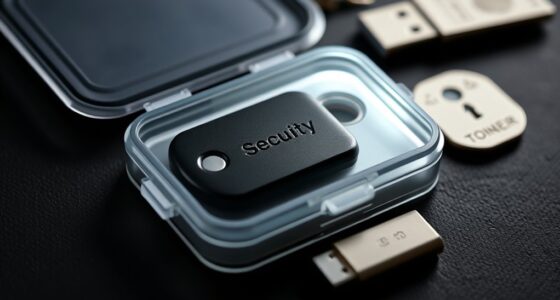
Hardware MFA devices, like security keys, are regarded highly secure because they operate independently of your device and aren’t prone to software vulnerabilities. These small physical tokens or USB devices provide a strong layer of protection, especially against phishing attacks. They’re especially useful if you prioritize security over convenience, as they require you to have the device physically present during login. However, they can be less user-friendly, especially if you need to carry the device everywhere or if it’s lost or damaged. For some, the added security of hardware MFA outweighs the slight inconvenience of managing another piece of hardware.
Ultimately, your choice depends on your specific needs and comfort level. If ease of use and quick access are priorities, biometric or software MFA might suit you best. If maximum security is critical, hardware tokens provide robust protection. Balancing biometric accuracy with user convenience is key to selecting an MFA method that safeguards your accounts without creating unnecessary hassle.

Digital Persona 88003-001U.are.u 4500 Reader 70" Cable
Target Applications – Desktop PC security, Mobile PCs, Custom applications
As an affiliate, we earn on qualifying purchases.
As an affiliate, we earn on qualifying purchases.
Frequently Asked Questions
Which MFA Method Offers the Fastest Login Experience?
The fastest login experience usually comes from biometric MFA, like fingerprint or facial recognition, because it requires just a quick scan and no remembering passwords. Unlike software or hardware tokens, biometrics offer high user convenience and eliminate delays caused by password complexity. You’ll appreciate how seamless and speedy it feels, making it ideal when quick access is a priority. Just make certain your device’s biometric sensors are reliable for the best experience.
How Do MFA Methods Impact User Privacy?
MFA methods can impact your privacy by affecting data privacy and user anonymity. Hardware tokens and biometric methods often store sensitive data locally, reducing risks but raising concerns about data security. Software MFA may collect more personal information, potentially impacting your data privacy. You should consider how each method handles your data and whether it maintains your user anonymity to choose the most privacy-preserving option.
Are Hardware Tokens More Secure Than Software Options?
Hardware tokens are generally more secure than software options because they resist token theft and are less susceptible to hacking. Their hardware durability guarantees they withstand physical damage, maintaining security over time. You won’t have to worry about malware infecting the token itself or losing sensitive data stored digitally. This physical robustness and resistance to theft make hardware tokens a reliable, secure choice for multi-factor authentication.
Can Biometrics Be Easily Spoofed or Hacked?
Biometrics can be hacked or spoofed through biometric forgery, where attackers fake fingerprints or facial features. While biometric systems are generally secure, they aren’t completely immune to hacking vulnerabilities. You should know that sophisticated methods can sometimes bypass these protections. To stay safe, combine biometrics with other MFA methods, and keep biometric data protected to minimize the risk of forgery or hacking vulnerabilities.
What Are the Cost Differences Between MFA Methods?
You’ll find that software MFA is generally the cheapest, often included in existing apps or services without extra expense. Hardware tokens, like security keys, cost more upfront but offer durability and portability. Biometrics can have high initial setup costs, but they eliminate ongoing expenses for tokens or codes. When doing a cost comparison, consider expense factors like hardware durability, software licensing, and security needs to choose the most cost-effective method for you.
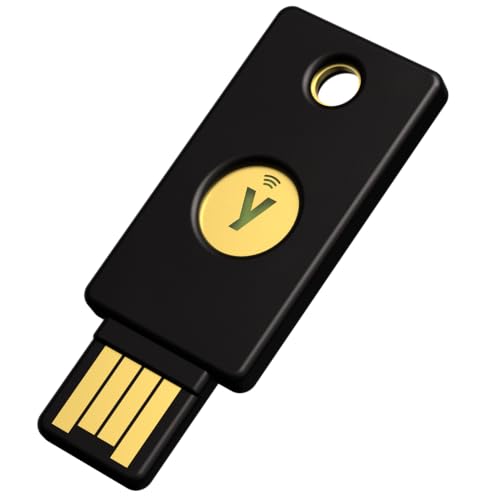
Yubico – Security Key NFC – Basic Compatibility – Multi-factor authentication (MFA) Security Key, Connect via USB-A or NFC, FIDO Certified
POWERFUL SECURITY KEY: The Security Key NFC is the essential physical passkey for protecting your digital life from…
As an affiliate, we earn on qualifying purchases.
As an affiliate, we earn on qualifying purchases.
Conclusion
So, after all this, you might think picking the most secure MFA method is straightforward. But here’s the irony: the very tools designed to protect you—software tokens, hardware keys, or biometric scans—can also be your weakest links if not used carefully. Ultimately, no method is foolproof. It’s a reminder that, in security, sometimes the best choice is to stay vigilant and not rely solely on technology. After all, even the strongest lock can be picked by a clever thief.

Thetis Pro-C FIDO2 Security Key Passkey Device with USB C & NFC, TOTP/HOTP Authenticator APP, FIDO 2.0 Two Factor Authentication 2FA MFA, Works with Windows/macOS/Linux/Gmail/Facebook/Dropbox/GitHub
FIDO2/Passkey Authentication – Secure, passwordless login with supported platforms. Check if your intended service supports hardware keys before…
As an affiliate, we earn on qualifying purchases.
As an affiliate, we earn on qualifying purchases.

Attendance Machine,Time Attendance System Machine Device Machine,Biometric Fingerprint Face Facial Recognition Employee Time Attendance Machine Time Clock Recorder Device(Bk100 W)
Elegant ergonomic design with keypad
As an affiliate, we earn on qualifying purchases.
As an affiliate, we earn on qualifying purchases.