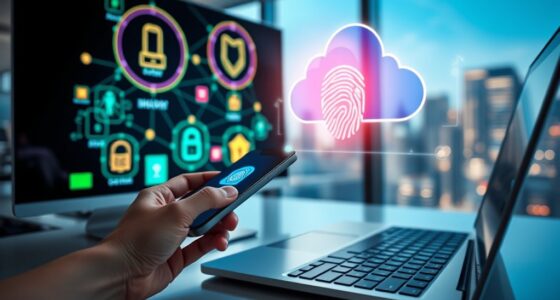
Passwordless login with passkeys lets you securely access accounts without typing passwords. Instead, you use biometric data like fingerprints or facial recognition, which are stored safely on your device and protected by cryptographic links. This method reduces the risk of hacking, phishing, and forgotten credentials, making sign-ins faster and more secure. Supported across multiple devices through standard protocols, passkeys are shaping the future of online security—continue to explore how they can simplify your digital life.
Key Takeaways
- Passkeys enable secure, passwordless login using biometric data or device authentication methods.
- They enhance security by eliminating password theft risks and resisting impersonation.
- Supported by standards like WebAuthn and FIDO2 for cross-device compatibility.
- Offer quick, seamless authentication across smartphones, tablets, and laptops.
- Reduce reliance on traditional passwords, improving user convenience and security.
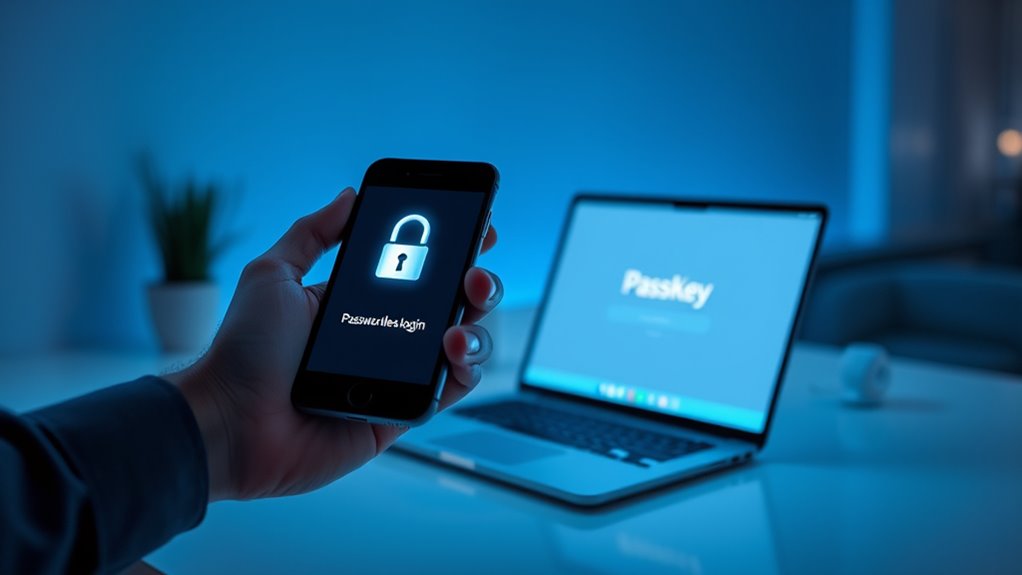
Have you ever wondered how to log in to your accounts more securely and effortlessly? If so, you’re not alone. Traditional passwords can be a hassle, and they often leave your accounts vulnerable to theft or hacking. That’s where passwordless login with passkeys comes into play, offering a smarter, safer approach. Instead of remembering complex passwords, you can use biometric authentication—such as fingerprint scans or facial recognition—to verify your identity quickly and securely. This method aligns with modern security protocols designed to protect your personal data while simplifying access.
Using passkeys, you no longer need to type in a password every time you want to access your account. Instead, authentication happens seamlessly in the background, often through your device’s biometric sensors. When you attempt to log in, your device prompts you to authenticate with your biometric data—be it a fingerprint or facial scan—making the process both fast and secure. This reduces the risk of phishing and credential theft because there’s no password to steal or guess. Furthermore, passkeys are stored securely on your device, and they’re cryptographically linked to the specific service, adding an extra layer of protection.
Implementing biometric authentication within security protocols ensures that your login process isn’t just convenient but also highly resistant to impersonation. Unlike passwords that can be shared, stolen, or cracked, biometric data is unique to you. When combined with end-to-end encryption and other security measures, passkeys make unauthorized access extremely difficult. Plus, since biometric authentication doesn’t require you to remember or type anything, it minimizes the chances of errors or forgotten credentials, streamlining your online experience.
Another advantage is that passkeys work across multiple devices and platforms, thanks to standardization efforts like WebAuthn and FIDO2. This means that whether you’re logging in on your smartphone, tablet, or laptop, the process remains consistent and secure. You can also set up biometric authentication on your device once, and then enjoy passwordless access to supported services without fuss. This not only enhances security but also reduces the cognitive load associated with managing dozens of passwords.
In essence, adopting passwordless login with passkeys leverages cutting-edge biometric authentication and security protocols to provide a secure, frictionless way to access your digital world. It’s a significant step forward in cybersecurity, making your online life more convenient while keeping your information safe from malicious threats. As technology evolves, this method will likely become the standard, giving you peace of mind every time you log in. Speaks 4 Me Online offers insights into emerging security trends like these, helping users stay informed about innovative authentication methods.

Fingerprint Reader Biometric Authentication – DigitalPersona URU4500 USB – Fingerprint Scanner – Original HID Brand
New replacement old Red Logo Digital persona URU4500, HID , USB reader. Original HID Brand
As an affiliate, we earn on qualifying purchases.
As an affiliate, we earn on qualifying purchases.
Frequently Asked Questions
How Secure Are Passkeys Compared to Traditional Passwords?
You’re wondering how secure passkeys are compared to traditional passwords. Passkeys offer stronger cryptographic strength, making them harder to crack. They also leverage biometric integration, like fingerprint or facial recognition, adding an extra layer of security. Unlike passwords, passkeys aren’t stored on servers, reducing hacking risks. Overall, they provide a more secure, convenient way to authenticate, protecting your accounts better than conventional passwords.
Can Passkeys Work Across All Devices and Platforms?
You wonder if passkeys work across all devices and platforms. The good news is, they’re designed for broad device compatibility and cross-platform functionality, making it easier for you to access your accounts securely no matter what device you’re using. Most major operating systems and browsers now support passkeys, ensuring seamless login experiences. However, some older devices or platforms might have limited support, so it’s worth checking compatibility before relying solely on passkeys.
What Happens if I Lose Access to My Device With a Passkey?
Did you know that 60% of users worry about losing access to their accounts? If you lose your device with a passkey, don’t panic. You can usually recover your account through device recovery options or account backup methods, like using your email or security questions. It is crucial to set up these recovery options beforehand, so you won’t be locked out and can securely regain access without hassle.
Are Passkeys Compatible With Existing Authentication Systems?
You might wonder if passkeys work with your current systems. The good news is, they’re designed for device compatibility and system integration, making it easier to adopt without overhauling your existing setup. Many platforms are now supporting passkeys, so you can enjoy seamless authentication across devices and systems. As more developers adopt this technology, compatibility will improve, ensuring a smooth progression and reliable access wherever you go.
How Do Passkeys Protect Against Phishing Attacks?
Imagine a thief trying to trick you into revealing your password, but you’re already protected. Passkeys prevent phishing attacks by eliminating passwords that hackers often steal. When you use passkeys, your device securely authenticates you, so there’s no need to enter sensitive info. Combined with user education, this approach strengthens phishing prevention, making it harder for attackers to succeed, and keeping your online identity safe without extra effort.

ITEFDTUTNE Access Control Time Attendance Machine, Visible Dynamic Facial Recognition with 2000 User Capacity and Networked Devices, for Office Factory Hotel School Restaurant
[Multifunctional Verification Methods] This attendance machine offers flexible verification options including facial recognition id card swiping password entry…
As an affiliate, we earn on qualifying purchases.
As an affiliate, we earn on qualifying purchases.
Conclusion
With passkeys, passwordless login becomes simple, secure, and seamless. You’ll save time, avoid threats, and stay safer online. By embracing this brilliant, barrier-breaking technology, you boost your security without burden. So, step into the future, ditch the dull, and delight in a device that’s designed to defend and deliver. Passwordless passkeys provide peace of mind, power, and practically perfect protection—making your online experience easier, safer, and smarter every step of the way.
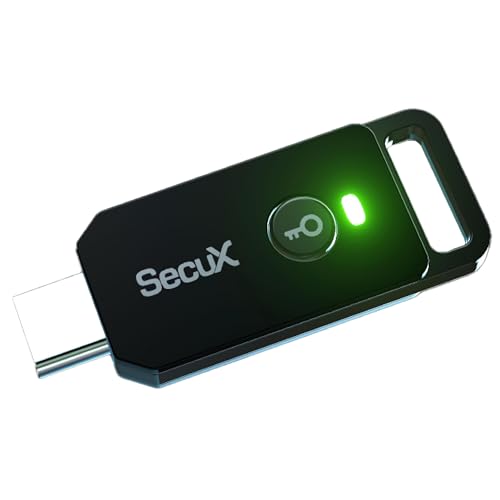
SecuX PUFido USB-C Security Key with PUF Technology, FIDO2/U2F Certified, Hardware-Rooted Unclonable Security for Passwordless Login and 2FA Authentication
A FIDO security key with PUF technology provides a unique, hardware-rooted trust anchor that resists tampering and cyber…
As an affiliate, we earn on qualifying purchases.
As an affiliate, we earn on qualifying purchases.

Thetis Pro FIDO2 Security Key, Two Factor Authentication NFC Security Key FIDO 2.0, Dual USB A Ports & Type C for Multi layered Protection (HOTP) in Windows/MacOS/Linux, Gmail, Facebook,Dropbox,Github
Check FIDO2 compatibility before purchase – Known limitations: ID Austria is not supported (requires FIDO2 Level 2). Windows…
As an affiliate, we earn on qualifying purchases.
As an affiliate, we earn on qualifying purchases.