

TL;DR

Get privacy and security gear delivered free with Prime
- Fast, free delivery on millions of items
- Prime Video, Amazon Music and more included
- Member-only deals all year
This article explains how you can turn one video into a comprehensive publishing kit—titles, descriptions, clips, social posts—entirely on your own device. It emphasizes local processing, reducing dependence on cloud platforms, and speeds up your content workflow.
Ever feel overwhelmed by the mountain of tasks after finishing a single video? Titles, thumbnails, clips for TikTok, blog drafts, social posts—all demanding your attention. What if you could automate most of that, using just a single file, and keep everything on your own machine?
The idea of a “whole publishing kit” from one video isn’t new, but doing it without the cloud? That’s a game-changer. It means faster turnaround, more privacy, and total control over your content pipeline. This isn’t just about automating; it’s about rewriting how you publish—faster, smarter, and offline if you want.
Key Takeaways
- A local-first workflow creates a complete publishing kit from a single video faster than cloud-based tools, often under an hour.
- Layered analysis—audio, visuals, fusion, and intelligence—enables precise asset generation, from titles to social clips.
- Control and privacy are major benefits; assets never leave your device, reducing data risks.
- The approach suits solo creators, remote teams, and sensitive projects where speed, offline capability, and security matter.
- While powerful, local workflows require robust hardware and may lack some cloud collaboration features.
As an affiliate, we earn on qualifying purchases.
What Does ‘One Video In, a Whole Publishing Kit Out’ Really Mean?
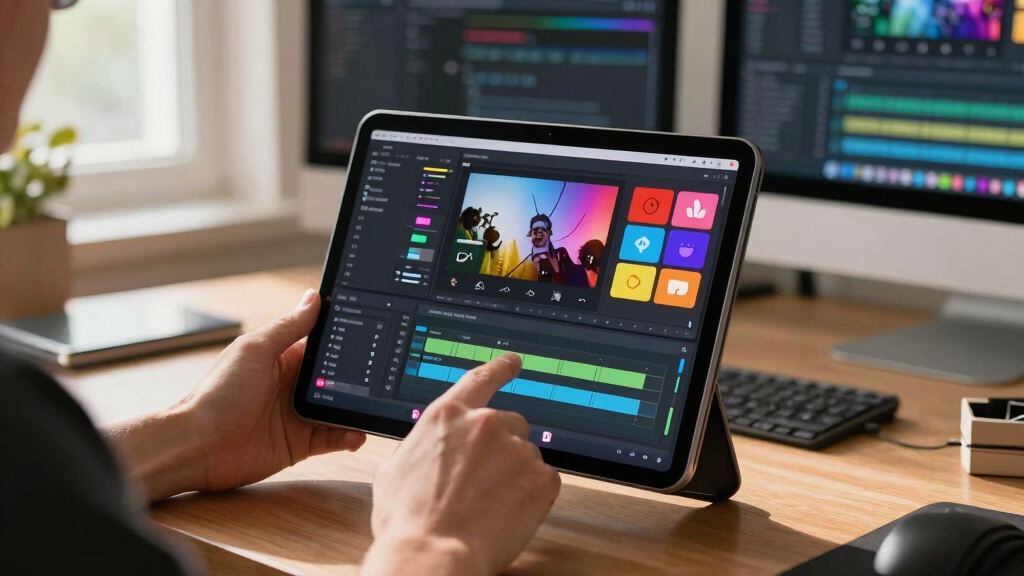
Think of a single uploaded video as a seed. From it, you get titles, descriptions, social snippets, thumbnails, and even blog drafts—everything ready to go. Instead of juggling multiple tools or platforms, this approach consolidates the entire process on your local machine.
For example, you upload a 10-minute tutorial. Instantly, it generates five optimized titles, a full description with chapters, social clips for TikTok and Instagram, and a thumbnail. All without sending your video to a third-party server. It’s like having a mini-production line in your pocket.
This process matters because it streamlines your workflow, reducing the time and effort needed to prepare content for publication. You can learn more about this approach in our comprehensive guide. It also minimizes the risk of data leaks or privacy breaches, which is critical for sensitive or proprietary content. The tradeoff is that the initial setup and hardware requirements can be higher, and some advanced features might still depend on local AI capabilities that need to be sufficiently powerful.
As an affiliate, we earn on qualifying purchases.
How the Workflow Transforms a Single Video into a Full Publishing Kit
The secret lies in layered analysis. First, the system transcribes the audio with speaker tags and timestamps, which enables precise indexing of content and facilitates the creation of accurate captions and searchable transcripts—crucial for accessibility and SEO. Next, it scans visuals—detecting scene changes, reading on-screen text, and describing frames—allowing for context-aware asset generation like thumbnails and social clips that are more engaging and relevant.
Then, it fuses these streams into a synchronized log, with key moments flagged as hooks or highlights. This layered understanding helps produce assets that are not just automated but also meaningful, tailored to your target audience and platform-specific needs.
From there, automated tools craft assets: catchy titles, social snippets, blog outlines, and thumbnails—all tailored to each platform. You review, tweak, and approve—then hit publish. The entire process can complete in less than an hour, all on your local device. Check out this detailed overview for a closer look.
This deep analysis means your assets aren’t generic; they are contextually optimized, saving you time and increasing the effectiveness of your content. The tradeoff involves the complexity of the algorithms and the processing power needed, which might be a barrier for less-equipped machines.

As an affiliate, we earn on qualifying purchases.
Why Creators and Publishers Are Embracing Local-First Publishing
Many creators worry about privacy, control, and reliance on cloud services. With cloud publishing, your content travels through multiple servers, creating potential delays or data leaks. You can explore more about secure content workflows on Good Sidekick. A local workflow keeps everything on your device, with no need for internet, and gives you full ownership of your assets.
Take Sarah, a fitness YouTuber. She processes her videos on a high-end laptop, generating all social assets in under 30 minutes, without uploading her raw footage to any cloud. This exemplifies the benefits of a local-first workflow. Her privacy stays intact, and she controls the entire pipeline. Plus, she’s never held hostage by internet outages or cloud service changes.
By keeping everything local, creators reduce exposure to external vulnerabilities, ensuring that sensitive or proprietary content remains confidential. The implication is a more secure and resilient content pipeline, especially crucial for industries with strict privacy standards or for creators operating in regions with unreliable internet infrastructure. The tradeoff is that this approach requires investment in capable hardware and may limit scalability for very large teams or content volumes.

As an affiliate, we earn on qualifying purchases.
Cloud vs. No-Cloud: Which Fits Your Style?
Here’s a quick comparison to help you decide:
| Feature | Cloud-Based Workflow | Local-First Workflow |
|---|---|---|
| Control | Dependent on third-party servers | Full control, everything stays on your device |
| Speed | Variable, depends on internet speed | Often faster, no upload/download delays |
| Privacy | Data travels online, potential leaks | All assets stay local, secure |
| Reliability | Dependent on cloud service status | Uninterrupted, offline-ready |
Understanding these differences helps you evaluate the tradeoffs: cloud workflows offer easier collaboration but at the expense of privacy and control, while local workflows prioritize security and independence but may require more hardware investment and lack some real-time collaboration features. For more insights, visit Aiespionage. Your choice depends on your specific needs, scale, and comfort with managing local tools.

Use Cases: Who Benefits Most from a No-Cloud Publishing Kit?
This approach shines for solo creators, journalists, educators, and anyone working in sensitive environments. For example, a documentary filmmaker can process and package footage without uploading raw files to the internet, ensuring confidentiality. Or a remote educator working in areas with unreliable internet can prepare all assets offline, then upload once ready. It’s perfect for situations demanding speed, privacy, or both.
By understanding these use cases, creators can appreciate how local workflows eliminate many logistical and security hurdles, enabling them to work more flexibly and securely. The tradeoff is that these workflows may require more technical knowledge and upfront hardware investment, which might be a barrier for some users.

What Are the Real Benefits and Limitations?
The biggest win? Speed and control. You avoid waiting for cloud servers to process assets, and keep your content secure. Plus, you can automate repetitive tasks—titles, snippets, thumbnails—saving hours each week.
However, this approach is not without tradeoffs. Local processing demands powerful hardware, which can be expensive, and may struggle with very large or complex projects. Additionally, some features like real-time collaboration or cloud-based AI improvements are harder to implement without internet connectivity. The implication is that while local workflows excel in privacy and speed, they may lack the scalability and collaborative features of cloud platforms, making them better suited for individual or small-team use.

Questions You Might Have About This No-Cloud System
- What exactly is a “publishing kit”? It’s a bundle of assets—titles, descriptions, clips, thumbnails—ready for publishing, all generated from your source video. These assets are interconnected, allowing for a streamlined publishing process that saves you time and ensures consistency across platforms.
- Does it support all video formats? Most systems handle MP4, MOV, AVI, and common formats, but check your specific tool for compatibility. The ability to process various formats ensures flexibility, especially if you work with different cameras or recording devices, but some tools might require converting files beforehand to optimize performance.
- Can I use it offline or only locally? Yes, the primary advantage is offline processing—everything runs on your device without needing internet. This independence means you can work in remote locations or secure environments without risking data exposure.
- How secure is local processing? Your assets stay on your device, significantly reducing risks of data breaches or leaks common with cloud storage. This control is vital for sensitive or proprietary content, giving peace of mind that your work remains confidential.
- Is it suitable for large teams? Best for individual creators or small teams; large enterprise workflows may need cloud collaboration features. While local workflows can be scaled with multiple devices or networked setups, they generally lack the centralized management and real-time collaboration tools that cloud platforms provide.
Conclusion
Processing a video into a full publishing kit on your own device isn’t just a time-saver—it’s a shift in how you control your content. You can produce, tweak, and publish with speed and privacy that cloud workflows can’t match. The future of content creation might just be in your hands, not in the cloud.
Imagine a workflow where your raw footage transforms into a suite of ready-to-publish assets—fast, private, and entirely on your terms. That’s the promise of a no-cloud, one-video-in, many-assets-out approach. It’s not just a tool; it’s a new way to think about publishing.

Fall Picks
fall essentials
As an affiliate, we earn on qualifying purchases.