
To secure your IoT devices with MFA, start by avoiding default passwords and creating strong, unique credentials for each device. Enable multi-factor authentication using methods like biometrics, one-time codes, or fingerprint scans to add extra security layers. Always verify your device firmware and security settings are up-to-date, and assign individual accounts rather than shared ones. Combining MFA with strong encryption practices makes it much harder for hackers to breach your devices—continue to learn how to strengthen your defenses effectively.
Key Takeaways
- Implement multi-factor authentication (MFA) to add extra security layers beyond passwords for IoT device access.
- Use MFA methods like biometric scans, one-time codes, or hardware tokens to verify user identity effectively.
- Avoid default passwords; combine strong, unique passwords with MFA for comprehensive protection.
- Assign individual MFA-enabled accounts to prevent credential sharing and enhance accountability.
- Regularly update MFA settings and credentials to maintain optimal IoT device security.
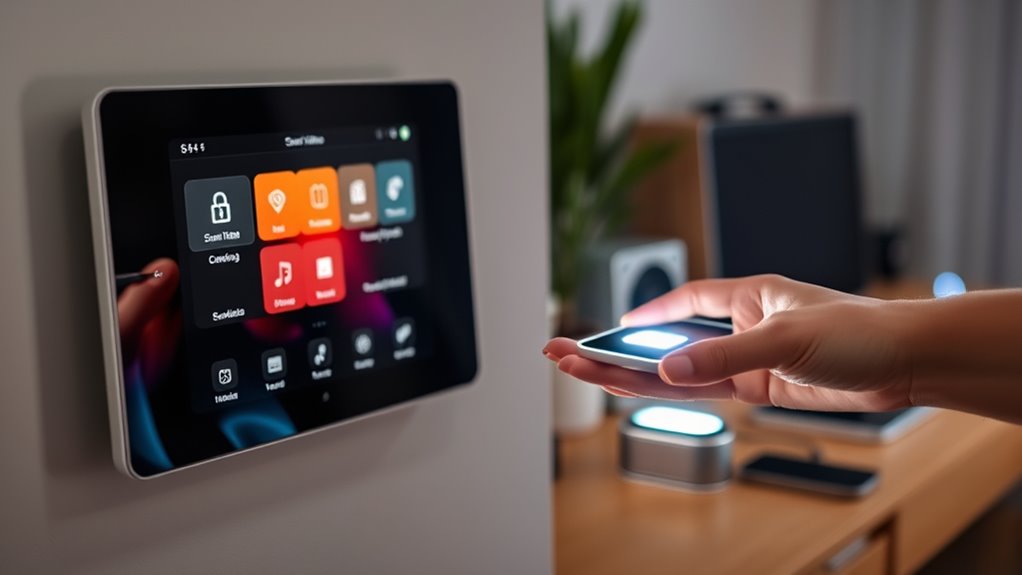
As the number of Internet of Things (IoT) devices grows, so do the risks of unauthorized access and cyberattacks. These devices often collect sensitive data and control critical functions, making them prime targets for cybercriminals. To protect your IoT ecosystem, you need strong security measures in place. One fundamental step is ensuring device encryption, which scrambles data transmitted between your devices and servers, making it unreadable to anyone who intercepts it. Encryption acts as a shield, preventing hackers from stealing or manipulating information even if they manage to breach your network. Yet, encryption alone isn’t enough. You also need to implement robust user authentication protocols that verify identities before granting access. This way, only authorized users can control or modify your devices, reducing the risk of malicious intrusions.
When you set up your IoT devices, pay close attention to device encryption features. Many modern devices come with built-in encryption options, but they often require proper configuration. Enable these features to ensure that all data, whether at rest or in transit, is protected. Additionally, consider updating your device firmware regularly, as manufacturers frequently release security patches that improve encryption standards and fix vulnerabilities. Strong device encryption acts as the first line of defense, safeguarding your data from eavesdroppers and cyberattacks. Incorporating sound science into your security strategy can help you understand and leverage the most effective encryption techniques.
Alongside encryption, user authentication is crucial. Instead of relying on default passwords or simple PINs, use multi-factor authentication (MFA) whenever possible. MFA adds extra layers of verification, such as a fingerprint, a one-time code sent to your mobile device, or biometric scans, making it considerably more difficult for unauthorized users to gain access. When you establish user authentication protocols, make sure each user has a unique account and strong, complex passwords. Combining these with MFA ensures that even if a password is compromised, an attacker still can’t access your device without the second factor.
IoT device MFA security hardware token
As an affiliate, we earn on qualifying purchases.
As an affiliate, we earn on qualifying purchases.
Frequently Asked Questions
How Does MFA Impact Iot Device Performance?
Implementing MFA can introduce slight delays in your IoT device performance due to increased device latency and network overhead. You might notice that authentication takes a bit longer, especially during login or data transmission. However, these impacts are usually minimal and worth the added security. To minimize performance issues, optimize your MFA processes and guarantee your network infrastructure can handle the additional overhead efficiently.
Are There Specific MFA Methods Best Suited for Iot?
You should consider biometric options and hardware tokens as the best MFA methods for IoT devices. Biometric options like fingerprint or facial recognition offer quick, user-friendly security, while hardware tokens provide robust, physical authentication. These methods are well-suited for IoT because they balance security with usability, ensuring your devices stay protected without overly complicating access. Opt for these MFA options to enhance your IoT device security effectively.
Can MFA Prevent All Iot Cyberattacks?
MFA can’t prevent all IoT cyberattacks, but it considerably enhances your security. By using strong password complexity and biometric authentication, you make it harder for hackers to access your devices. However, vulnerabilities like outdated firmware or weak network security still exist. So, while MFA is a crucial layer, you should combine it with regular updates and robust network practices to better protect your IoT ecosystem.
How to Implement MFA on Low-Power Iot Devices?
Imagine a tiny lock on your IoT device, guarding its core. To implement MFA on low-power devices, you focus on streamlined device authentication and user verification. Use lightweight protocols like OAuth or custom multi-factor solutions that require minimal computation. You can incorporate hardware tokens or biometric checks. These methods guarantee secure access without draining resources, keeping your device protected while maintaining efficiency and user convenience.
What Are the Costs Associated With MFA for Iot?
You should conduct a cost analysis to understand MFA expenses for your IoT devices. Costs can include hardware tokens, biometric sensors, or software authentication solutions, plus ongoing maintenance and updates. Budget considerations involve balancing security benefits against costs, ensuring affordability without compromising protection. While implementing MFA may seem costly upfront, it reduces risks and potential breaches, ultimately saving you money and safeguarding your IoT ecosystem effectively.

Fingerprint Reader Biometric Authentication – DigitalPersona URU4500 USB – Fingerprint Scanner – Original HID Brand
- Brand and Model: DigitalPersona URU4500 USB
- Replacement for Old Model: Red Logo DigitalPersona URU4500
- Brand Origin: Original HID Brand
As an affiliate, we earn on qualifying purchases.
As an affiliate, we earn on qualifying purchases.
Conclusion
Think of your IoT devices as a castle and MFA as a sturdy moat protecting it. Without this extra layer, hackers can easily breach your defenses. By implementing MFA, you build a strong barrier that makes unauthorized access much harder, like a moat keeping invaders at bay. Stay vigilant and reinforce your security measures regularly—because, in the digital world, a well-guarded castle is a safe one.
one-time code generator for IoT devices
As an affiliate, we earn on qualifying purchases.
As an affiliate, we earn on qualifying purchases.

Demystifying Internet of Things Security: Successful IoT Device/Edge and Platform Security Deployment
As an affiliate, we earn on qualifying purchases.
As an affiliate, we earn on qualifying purchases.