
Many believe that simply switching to a standing desk will automatically improve your health, but that’s a misconception. Without proper ergonomic setup, you can end up uncomfortable or even cause new aches. Standing all day isn’t ideal either; balance is key. Using the right accessories, like footrests and adjustable monitor arms, can make a big difference. Keep going, and you’ll discover how to set up your workspace for real comfort and health benefits.
Key Takeaways
- Believing standing all day is inherently healthier leads to discomfort and fatigue without proper ergonomic setup.
- Without adjustable accessories, standing desks can cause poor posture and strain rather than improve comfort.
- Assuming standing replaces sitting completely ignores the benefits of alternating positions for comfort.
- Overlooking workspace organization and proper monitor height contributes to discomfort at standing desks.
- Using a standing desk without ergonomic planning and accessories often results in more pain than sitting.
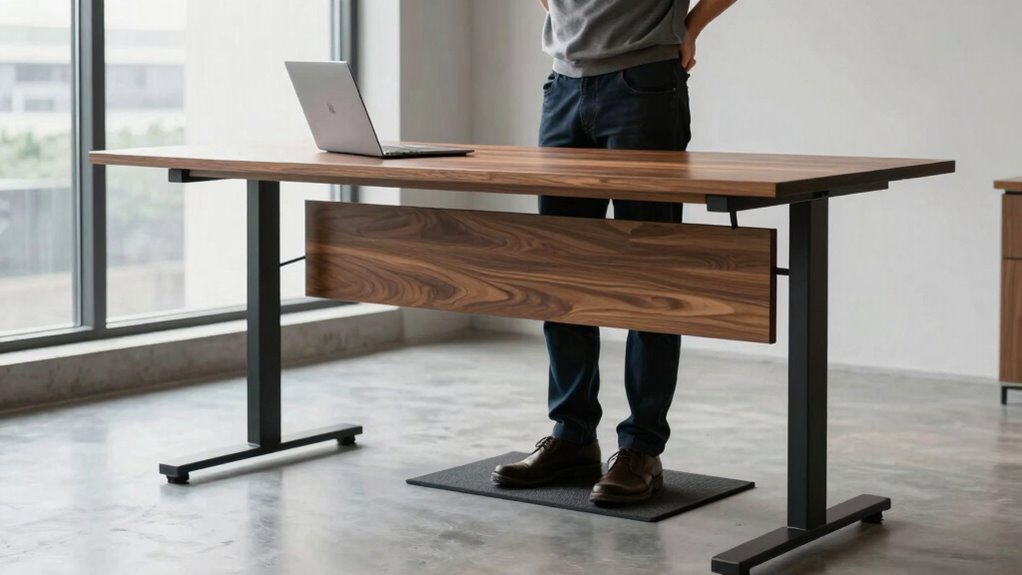
Have you ever believed that switching to a standing desk automatically improves your health? Many people think that simply standing while working will instantly boost their well-being, but that’s not entirely true. The truth is, standing all day isn’t a one-size-fits-all solution. In fact, jumping into a standing desk without proper preparation can lead to discomfort rather than relief. The real secret isn’t just standing; it’s about how you set up your workspace. Ergonomic accessories like anti-fatigue mats, adjustable monitor arms, and footrests play a crucial role in making standing desks comfortable and sustainable. These accessories help distribute your weight evenly, reduce strain on your lower back, and prevent fatigue, turning a standing desk into a tool that genuinely benefits your health rather than aggravates issues.
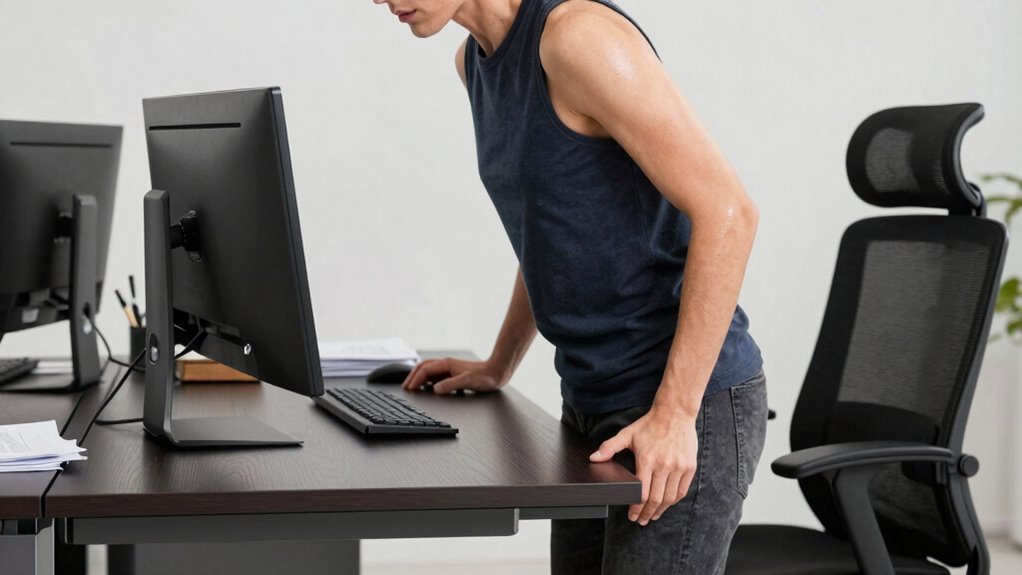
Many people assume that standing automatically increases productivity benefits, but that’s only true if your setup is optimized. Without proper ergonomic adjustments, you might find yourself shifting uncomfortably, hunching over, or experiencing muscle soreness. It’s tempting to think that standing will keep you alert and focused, but if your desk isn’t adjusted to your height, your neck and shoulders can become strained, making it harder to concentrate. The key is to customize your workspace so it encourages good posture. For instance, your monitor should be at eye level, and your keyboard and mouse should be within easy reach to prevent unnecessary stretching or leaning. When these ergonomic accessories are in place, you’re more likely to experience the productivity benefits of a standing desk without the discomfort. Additionally, understanding the importance of ergonomic setup can make a significant difference in your comfort and health. Incorporating proper ergonomic principles helps ensure you’re not just standing but standing safely and comfortably. Recognizing that cable management is essential can also prevent distractions and clutter that compromise your workspace efficiency. Proper workspace organization can further enhance your overall ergonomic experience, making your environment more adaptable and less stressful.
It’s also a common misconception that standing all day is necessary. The most effective approach involves alternating between sitting and standing, which reduces fatigue and prevents strain. Incorporating ergonomic accessories makes this switching easier and more comfortable. For example, a footrest can alleviate pressure on your legs when standing, while a sit-stand desk converter allows quick transitions between positions. This flexibility helps you stay comfortable and focused, ultimately enhancing your productivity. Remember, the goal isn’t to stand constantly but to create a balanced environment that supports your physical health and work efficiency. When you invest in ergonomic accessories and understand how to use your standing desk properly, you’ll find it can genuinely boost your comfort and productivity—without the myth that standing alone guarantees health benefits.

VIVO Single Monitor Desk Mount, Extra Tall Fully Adjustable Stand for 1 LCD Screen up to 32 inches, Ultra Wide Screens up to 38 inches, 22 lbs Capacity, STAND-V001T
Compatibility – Single monitor mount fitting most screens 13” to 32” in size and up to 22 lbs…
As an affiliate, we earn on qualifying purchases.
As an affiliate, we earn on qualifying purchases.
Frequently Asked Questions
Are Standing Desks Suitable for Everyone?
Standing desks aren’t suitable for everyone, as individual needs vary. You might find ergonomic adjustments helpful to customize comfort, especially if you experience joint or back issues. While some people appreciate the aesthetic appeal of modern standing desks, others may find them less comfortable. It’s crucial to listen to your body, try different setups, and consult a professional if needed to determine if a standing desk works for you.
How Long Should I Stand at My Desk Daily?
You should aim to stand at your desk for about 2 to 4 hours daily, gradually increasing as your comfort improves. Use ergonomic accessories like anti-fatigue mats and an adjustable height desk to support proper posture. Switching between sitting and standing helps prevent discomfort. Remember, it’s important to listen to your body and take regular breaks to stay comfortable and avoid strain.
Can Standing Desks Improve Productivity?
Yes, standing desks can boost your productivity when used correctly. By making ergonomic adjustments, you guarantee your workspace supports good posture and reduces discomfort. Proper posture correction helps you stay focused and energized throughout the day. Alternating between sitting and standing, rather than standing all day, prevents fatigue and keeps you alert. When set up well, standing desks create a healthier, more dynamic environment that encourages sustained concentration and efficiency.
What Are the Health Risks of Prolonged Standing?
Prolonged standing can cause health risks like varicose veins, joint pain, and fatigue. Without proper ergonomic adjustments, you might strain your back or legs. Standing too long may also reduce circulation benefits, leading to swelling or discomfort. To avoid these issues, switch between sitting and standing, use anti-fatigue mats, and make ergonomic adjustments to your workspace. This way, you maintain comfort and support your overall health.
Do Standing Desks Require Special Accessories?
Standing desks often require ergonomic accessories and adjustable features to maximize comfort. You might need an anti-fatigue mat, a monitor stand, or an adjustable keyboard tray. These accessories help you maintain proper posture, reduce strain, and customize your workspace. By investing in ergonomic accessories and adjusting your desk height, you guarantee a more comfortable, healthy standing experience, making it easier to stay productive and avoid discomfort during long work sessions.

FEATOL Anti Fatigue Mat for Standing, 9/10 Extra Thick Ergonomic Standing Desk Mat, Comfort Memory Foam Standing Mat at Home,Office All Day (20" x 32", Black, 1PC)
[Anti Fatigue Standing Desk Mat] – This anti fatigue mat standing desk office is effective in reducing stress…
As an affiliate, we earn on qualifying purchases.
As an affiliate, we earn on qualifying purchases.
Conclusion
Remember that myth about standing desks being the perfect fix? It’s like thinking a single tool can fix an entire garden. I once watched a coworker switch to standing all day, only to end up more uncomfortable. The truth is, your body needs a mix—sit, stand, move. When you listen to your body’s signals, you’ll find a balance that keeps you comfortable, just like tending a garden requires care, patience, and variety.

CasaZenith Foot Rest, Six Heights Adjustable Foot Rest for Under Desk at Work, Ergonomic Foots Stool for Under Office Desks, Under Desk Footrest with Foot Massage Roller, Chair Footrest for Leg Rests
Desk Foot Rest with 6 Six Height Adjustment: Our foot stool can be adjusted according to your height,…
As an affiliate, we earn on qualifying purchases.
As an affiliate, we earn on qualifying purchases.

Mzmaxy Cable Management, 25'' Cable Management Under Desk No Drill, Metal Cord Organizer with Clamp for Standing Desk, Cable Organizer for Home Office, Black
【25'' Large Size】The 25'' cable management under desk provides enough space for all your cables. Desk cable management…
As an affiliate, we earn on qualifying purchases.
As an affiliate, we earn on qualifying purchases.