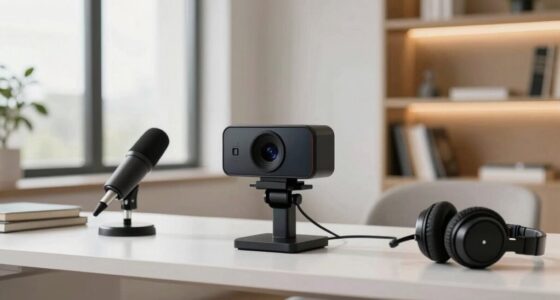
The tiny change that makes you appear more competent is adjusting your webcam slightly upward and at eye level. This position projects confidence, approachability, and professionalism by aligning with natural eye contact and flattering your features. Avoid looking down or tilting the camera too high, as it can distort your appearance and reduce trust. Making these simple tweaks improves your virtual presence instantly. Keep exploring tips to perfect your setup and boost your credibility even further.
Key Takeaways
- Position your webcam at eye level to project confidence and establish trust during virtual interactions.
- Avoid placing the webcam too low or high, as it distorts your appearance and reduces credibility.
- Maintain proper posture and keep your face well-framed to appear more professional and approachable.
- Use slight tilts and adjustments to find the most flattering, balanced angle that enhances your authority.
- Regularly practice and review your setup to develop muscle memory for consistent, competent virtual presentation.

30 Inch Webcam Stand Camera Mount, Upgraded Thick Base Flexible Gooseneck Camera Stand Desk Webcam Mount Clamp for Logitech Webcams C930e C930 C920 C922x C922 Brio 4K C925e C615, Gopro Hero 8 7 6 5 4
【Upgrade Thick Clamping Base】We have upgraded the clamp base. It is thicker and more durable. The clamping base…
As an affiliate, we earn on qualifying purchases.
As an affiliate, we earn on qualifying purchases.
Why Webcam Angles Matter for Your Virtual Confidence

Your webcam angle can considerably influence how confident and professional you appear during virtual meetings. Proper camera positioning helps you control what’s shown on screen, emphasizing your best features. Framing techniques, such as positioning the camera at eye level, create a sense of engagement and authority. When you angle the webcam too low, you risk appearing unprepared or unprofessional; too high, and you might seem distant or unapproachable. By adjusting your camera for most favorable framing, you project confidence and competence effortlessly. Small changes in webcam angles can make a significant difference in how others perceive you. Focus on positioning your camera to capture your face clearly, ensuring your expressions communicate confidence and trustworthiness. Additionally, ensuring your camera settings support color accuracy improves overall image quality and helps you look more polished. Paying attention to lighting conditions can further enhance your virtual presence by reducing shadows and highlighting your features. Proper camera placement is essential for maintaining a professional appearance and making the most of your virtual presence. Adjusting your camera height can also reduce strain and create a more natural viewing angle, further boosting your confidence on camera. Using the right camera technology can improve your overall video quality, making your virtual interactions more effective and engaging. This simple adjustment can boost your virtual presence instantly.

Webcam Stand for Desk, Flexible Gooseneck Webcam Mount Holder Arm with Phone Holder, Web Cam Stand Computer Camera Desk Mount for Logitech C922 C930e C920S C920 C615 C960 C920x BRIO 4K NexiGo N60
Upgraded Version: Based on the pain points of similar products "Sag slowly and can't keep a position for…
As an affiliate, we earn on qualifying purchases.
As an affiliate, we earn on qualifying purchases.
How to Choose the Best Webcam Position for Video Calls

To get the best video call setup, you need to focus on eye level alignment so you appear natural and confident. Make sure your lighting is ideal to avoid shadows and dimness, which can distract viewers. Also, choose a background that’s clear and free of distractions to keep the focus on you. Incorporating travel tips for remote workers can help you find the perfect environment for professional virtual meetings. Paying attention to ergonomic workspace setup can further enhance your comfort and presentation during video calls. Additionally, ensuring your camera angle is properly adjusted can significantly improve your overall appearance and perceived competence. Remember to use the right DIY tools and safety tips to set up your equipment securely and safely, and consider workspace organization to keep your area tidy and professional-looking.
Eye Level Alignment
Finding the right webcam position is essential for professional and engaging video calls. Eye level alignment ensures your face is centered and natural, making it easier to convey facial expressions confidently. When your camera is positioned slightly above or below eye level, it can distort your appearance or create a less approachable presence. Keep your webcam at or just above eye level to foster trust and connection. Additionally, your clothing choices matter; avoid distracting patterns or colors that draw attention away from your face. Proper alignment helps viewers focus on your expressions and gestures, making communication clearer. Adjust your camera height so you’re looking straight into it, creating a more competent and approachable impression without feeling intimidating or distant. Ensuring your camera mount is stable and level prevents mount misalignment, which can detract from your professional appearance and may also impact the visual clarity of your video. Regularly checking and adjusting your setup can help maintain optimal camera positioning, and paying attention to lighting conditions can further enhance your overall presentation for consistent quality. Incorporating proper camera setup techniques can make a significant difference in how confident and credible you appear during calls.
Optimal Lighting Setup
Ideal lighting is crucial for guaranteeing your webcam captures clear, flattering images during video calls. To achieve this, use effective lighting techniques like soft, diffused light sources positioned in front of you, slightly above eye level. Avoid harsh backlighting or placing lights directly behind you, as they can create shadows and reduce visibility. When considering camera positioning, ensure your webcam is at eye level and facing your face directly, so your lighting illuminates your features evenly. Using natural light from a window is ideal, but if that’s unavailable, supplement with a ring light or softbox. Proper lighting and strategic camera positioning work together to highlight your face clearly and make you appear more competent and confident during calls. Additionally, adjusting the lighting intensity can help you achieve the perfect balance, preventing overexposure or shadows on your face. Incorporating proper camera placement in tandem with lighting adjustments can further enhance your overall appearance on camera. Furthermore, understanding the importance of lighting quality can significantly impact how professional and polished your on-camera presence appears. To optimize your setup, consider lighting position and how it interacts with your environment to create a natural and flattering look, especially for eldercare professionals who want to project reassurance and competence. Using consistent lighting practices ensures your appearance remains steady and professional throughout your calls.
Background Clarity and Distraction
Once you’ve set up your lighting and camera height, paying attention to your background can make a big difference in how professional and focused you appear. Clear backgrounds reduce visual distractions and help keep the viewer’s attention on you. Avoid background clutter by choosing a simple, tidy space or using a neutral backdrop. Position yourself so that distracting elements, like busy posters or noisy gadgets, are out of frame. Consider using virtual backgrounds if physical clutter can’t be removed. Keep the background consistent and free of movement to maintain a professional look. Remember, a clean, distraction-free background emphasizes your message and shows you’re prepared. The right background enhances your credibility and keeps your audience engaged without unnecessary visual noise. Incorporating regional flavor into your background, such as subtle coffee or tea-themed decor, can also add personality and interest to your video calls. Additionally, paying attention to the background clarity can greatly improve how competent and polished you appear on camera.
camera angle adjustment kit
As an affiliate, we earn on qualifying purchases.
As an affiliate, we earn on qualifying purchases.
Finding Your Ideal Webcam Height and Angle

To get the best video quality, your webcam should be positioned at eye level. This guarantees a natural, engaging look and reduces awkward angles. Adjust your camera to find the most favorable angle that keeps you looking confident and comfortable on camera.
Eye Level Placement
Have you ever noticed how your webcam angle can affect the way you’re perceived on video calls? Eye level placement is key to projecting confidence and engagement. When you position your camera at your eye line, it creates a natural, balanced view that enhances your professionalism. Proper camera placement guarantees your face is centered, following effective framing techniques. To achieve this, consider these tips:
- Use a stable surface to avoid shifting your webcam
- Adjust your chair height so your eyes align with the camera
- Keep the camera directly in front of you, not off to the side
- Maintain a comfortable distance to include your head and shoulders
This setup minimizes distractions and makes your interactions appear more genuine and competent. Eye level placement is a simple, powerful way to improve your video presence.
Optimal Camera Angle
Finding the right camera angle goes beyond eye level placement; it involves experimenting with height and tilt to capture your best side and convey confidence. Start by adjusting your camera placement so it’s slightly above eye level, aiming downward slightly to avoid unflattering angles. This position helps you appear more engaged and competent. Use framing techniques like the rule of thirds to position yourself properly within the frame, ensuring your face is centered and well-lit. Tilt the camera subtly to eliminate awkward angles or shadows. Remember, small adjustments can dramatically improve how you appear on camera. Take time to test different heights and angles until you find the setup that feels natural and projects professionalism. A well-placed camera enhances your credibility instantly.

Xweiryn Webcam for PC, HD 1080P USB Plug-and-Play Computer Web Camera, High Definition Webcam for Desktop Laptop, Ideal for Online Class, Video Conference, Live Streaming & Gaming
1080P HD Webcam: This HD webcam delivers crisp 1080p video quality, ideal for PCs, desktops, and laptops. Perfect…
As an affiliate, we earn on qualifying purchases.
As an affiliate, we earn on qualifying purchases.
Common Webcam Angle Mistakes That Reduce Credibility

Poor webcam angles can seriously undermine your credibility during virtual meetings or recordings. One common mistake is poor camera placement, such as positioning the webcam too low or too high, which distorts your appearance and diminishes trust. Another issue is neglecting posture alignment; slouching or leaning back can make you seem disengaged or unprofessional. Additionally, tilting the camera sideways or at an odd angle can distract viewers and seem careless. Lastly, leaving excessive headroom or cutting off parts of your face reduces connection and authority. To avoid these pitfalls, make sure your camera is at eye level, maintain good posture, and frame yourself properly. Small adjustments in camera placement and posture go a long way in boosting your credibility during virtual interactions.
Simple Adjustments to Improve Your Webcam Framing

To improve your webcam framing, start by ensuring your camera is at eye level for a natural look. Next, clear up your background to keep it uncluttered and focused, and adjust the lighting so your face is well-lit without harsh shadows. These simple tweaks can make a big difference in how professional and engaging you appear on camera.
Eye Level Framing
Adjusting your webcam to eye level can make a considerable difference in how you appear on camera. Proper camera placement ensures your face is centered and your eyes are aligned with the lens, enhancing your professional look. Use simple framing techniques to create a balanced shot that conveys confidence. Keep these tips in mind:
- Position the camera so it’s straight ahead at your eye level
- Avoid looking down or up at the camera, which can seem unprofessional
- Frame your head and shoulders, leaving some space above your head
- Use objects or a stand to elevate your webcam if needed
Focusing on eye level framing helps you appear more engaged and trustworthy, making your communication more effective. Small adjustments can greatly improve your overall webcam presence.
Background Clarity Focus
A clear and uncluttered background can considerably enhance your webcam framing, making you look more professional and focused. To achieve this, consider adjusting your background to create a subtle background blur, which isolates you from distractions and emphasizes your presence. Enhancing color contrast between you and the background helps you stand out, making your image sharper and more engaging. Use the table below to select simple adjustments:
| Adjustment | Effect | Tips |
|---|---|---|
| Background Blur | Softens distractions | Use lens settings or software filters |
| Color Contrast | Improves subject-background separation | Choose contrasting wall colors or backgrounds |
| Clutter Reduction | Creates a cleaner look | Remove unnecessary items from view |
Applying these focus points ensures a polished, professional appearance.
Lighting Optimization
Effective lighting can dramatically improve your webcam framing by making your face clearer and more vibrant. Adjusting light temperature ensures your skin tone looks natural, avoiding overly warm or cool effects. Good shadow control minimizes harsh lines and uneven lighting, creating a more polished appearance. To optimize your lighting, consider:
- Using soft, diffuse light sources to reduce shadows
- Setting the light temperature to match your environment for a natural look
- Positioning lights slightly above eye level for even illumination
- Avoiding backlighting that can cause silhouette effects
These simple adjustments help you appear more competent by enhancing your facial clarity and reducing distractions. Proper lighting not only improves image quality but also boosts your confidence during virtual interactions.
Tools and Accessories to Help You Adjust Your Webcam
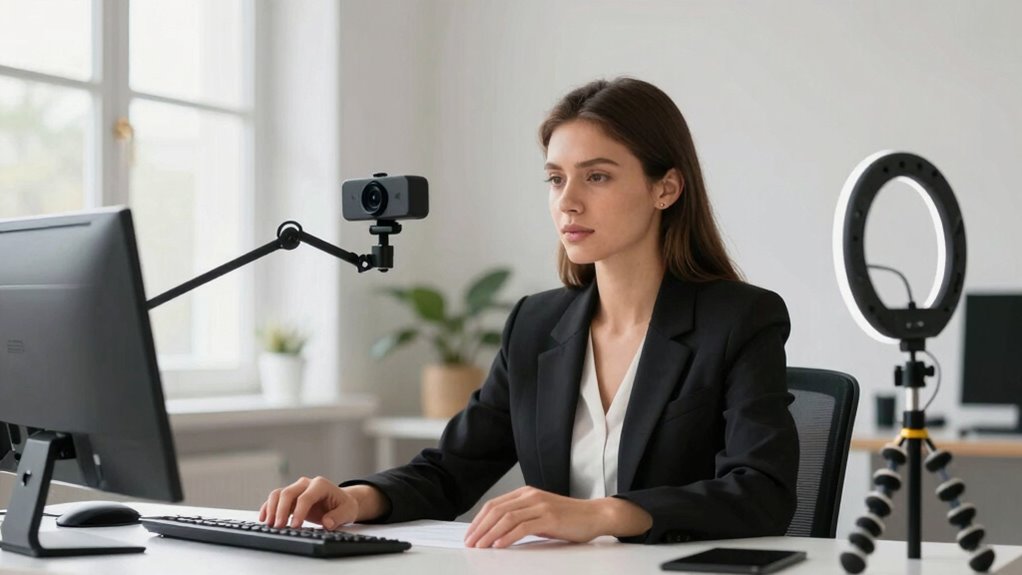
To fine-tune your webcam’s positioning, you can rely on various tools and accessories designed to make adjustments quick and easy. Webcam accessories like adjustable mounts, tilting stands, and flexible arms let you find the perfect angle without hassle. These tools help you avoid awkward or unflattering shots, ensuring you look competent and confident. Additionally, virtual backgrounds can complement your setup by creating a professional look, even if your physical environment isn’t ideal. Using specialized accessories, like clip-on ring lights or portable tripods, enhances your control over lighting and camera height. With these tools, you can easily experiment with angles and backgrounds to present yourself in the best possible light during video calls.
Quick Fixes for Bad Webcam Angles During Calls
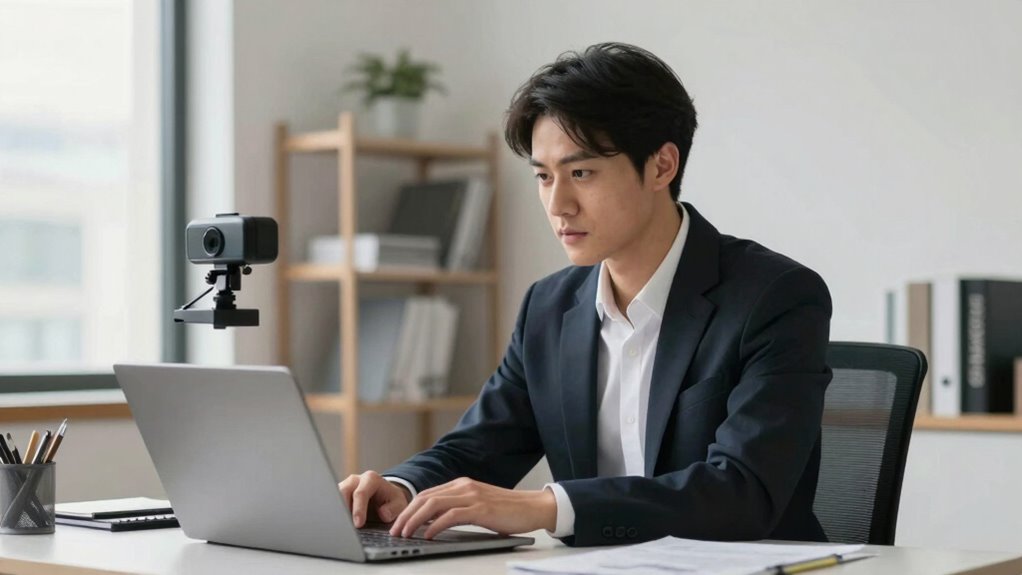
When your webcam angle suddenly looks off during a call, quick adjustments can make a big difference. First, tilt or reposition your webcam so you’re centered and at eye level. If you can’t physically move it, use a stack of books or an adjustable stand. Check your virtual background; a cluttered or distracting background can undermine your professionalism. Ensure your microphone placement isn’t blocking your face or distracting viewers. Small tweaks like raising or lowering your camera, adjusting your chair, or repositioning your microphone can drastically improve your appearance. Consider these quick fixes:
- Reangle your webcam for a clearer shot
- Use a virtual background that looks natural
- Adjust your microphone to avoid obstructing your face
- Elevate or lower your camera for the best perspective
These simple steps can boost your confidence and presence during calls.
Tips to Maintain a Natural, Approachable Look
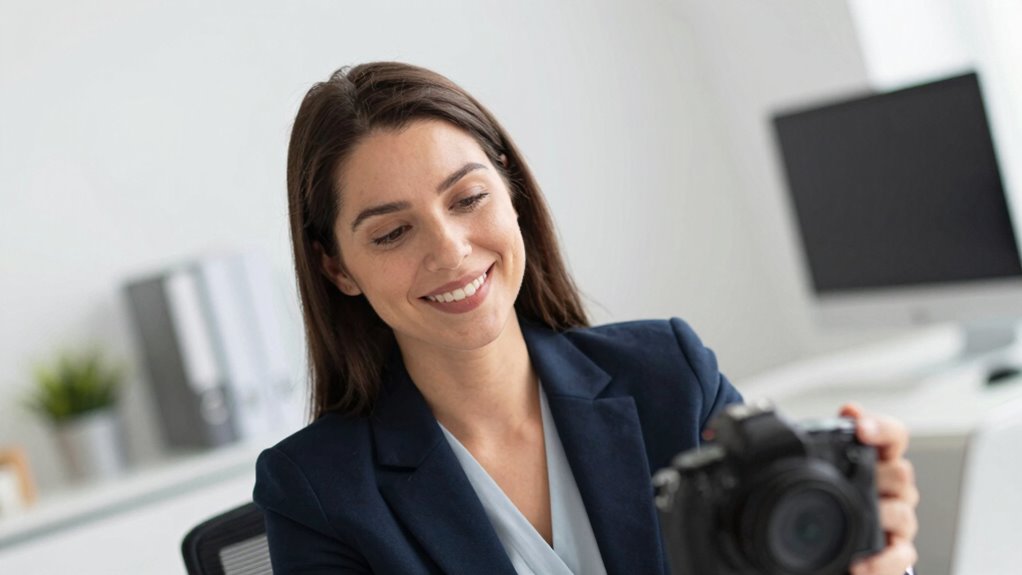
Maintaining a natural, approachable look on camera helps build trust and keeps your audience engaged. Focus on proper camera positioning so your face is evenly lit and centered without looking down or up. This helps you appear more open and friendly. Keep your facial expressions relaxed; a genuine smile or slight nod can make you seem more approachable. Avoid stiff or exaggerated expressions, as they can come off as insincere. Maintain good eye contact with the camera to create a connection. Remember, your goal is to look confident yet relatable. Adjust your camera angle if needed to ensure your face is well-framed and you appear natural. These small tweaks make a big difference in how viewers perceive your competence and approachability.
Practice Exercises to Perfect Your Webcam Setup
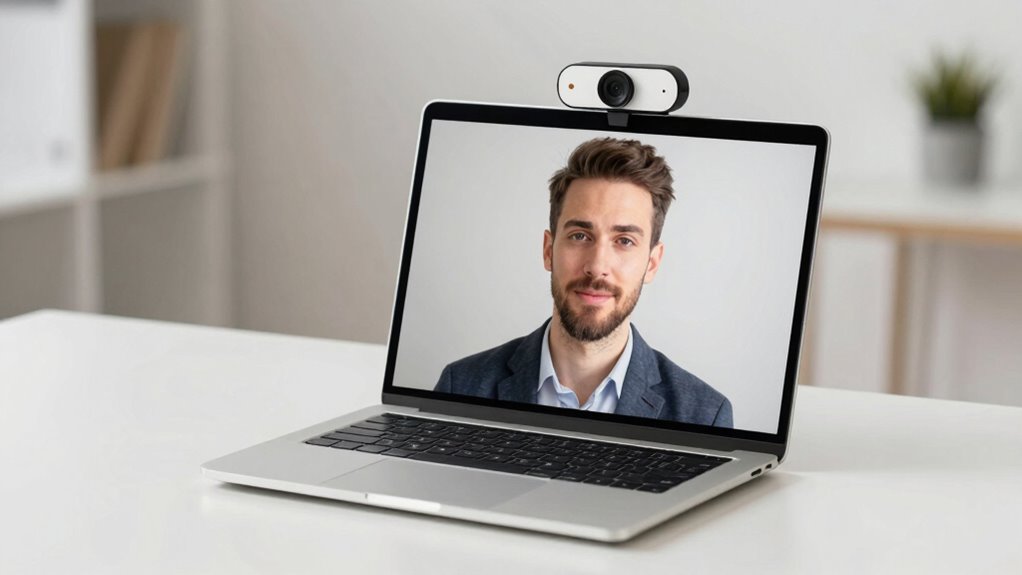
Practicing your webcam setup regularly is key to achieving a natural and confident appearance on camera. To refine your skills, try these exercises:
- Experiment with camera placement to find the most flattering angle that highlights your face.
- Adjust your framing techniques by positioning yourself slightly above eye level for a more competent look.
- Record short videos and review your camera angles to identify areas for improvement.
- Practice quick adjustments to your camera setup before calls to ensure consistent, professional framing.
These exercises help you develop muscle memory for your ideal setup, making it easier to appear confident and approachable on every video. Remember, small tweaks can considerably enhance your professional presence.
Final Tips for a Confident and Credible Video Presence

Refining your webcam setup through regular practice sets the foundation for a confident and credible video presence. Start by choosing a professional virtual background that aligns with your message; avoid distractions or overly busy images. Ensure your camera resolution is high enough to produce a clear, sharp image, which enhances your credibility. Position your webcam at eye level to maintain engaging eye contact, and keep your lighting consistent to avoid shadows or glare. Practice speaking confidently and maintaining natural gestures. Remember, your background and camera quality influence how others perceive you, so invest time in optimizing these elements. With consistent effort, you’ll project authority and approachability, making your virtual presence more effective and trustworthy.
Frequently Asked Questions
How Do Lighting Conditions Affect Webcam Angle Effectiveness?
Lighting conditions greatly impact your webcam angle effectiveness. When lighting is consistent, it highlights your face clearly, making your camera height more effective. Avoid harsh shadows or uneven lighting, which can distort your appearance. Position your light source facing you, not behind, to prevent backlighting. Adjust your camera height so your face is centered and well-lit, ensuring you appear confident and competent during video calls.
Can Webcam Angle Influence Perceived Trustworthiness?
Did you know that camera positioning can influence trustworthiness perception by up to 50%? Your webcam angle plays a pivotal role in how others see you during virtual interactions. When you position your camera at eye level, you appear more open and honest, boosting trustworthiness. Avoid looking down or up, as these angles can seem less approachable. Proper camera positioning helps you project confidence and credibility effortlessly.
What Are Affordable Tools for Professional Webcam Positioning?
You can improve your webcam setup with affordable tools like adjustable tripod stands or flexible monitor mounts, enhancing webcam ergonomics for better comfort and appearance. Consider camera mounting options such as clamp mounts or DIY solutions using household items to position your webcam at eye level. These options help create a professional look, reduce strain, and ensure consistent framing, all without compromising the bank.
How Often Should I Adjust My Webcam Angle During Calls?
You should adjust your webcam angle as needed, ideally before each call, to optimize your framing composition. Keep an eye on your camera tilt to ensure your face is centered and well-lit. During longer meetings, make small tweaks if your position shifts or if you notice awkward framing. Regular adjustments help you appear more confident and competent, making a positive impression with consistent, professional camera angles.
Does Webcam Angle Impact Eye Contact Perception?
Yes, your webcam angle impacts eye contact perception. When you adjust your camera framing to align at eye level and maintain good posture, it creates a sense of engagement and confidence. Looking directly into the camera simulates eye contact, making you seem more attentive and trustworthy. Keep your camera properly angled and your posture aligned, and you’ll naturally foster stronger connections, conveying competence and openness during every virtual interaction.
Conclusion
Think of your webcam setup as the lens through which your confidence shines. Just as a skilled photographer finds the perfect angle to capture a masterpiece, you can craft a video presence that commands respect. Small adjustments, like tilting the camera or aligning it properly, are your brushstrokes. When you fine-tune these details, your virtual image becomes a portrait of credibility and approachability—an artful reflection of your true professionalism.