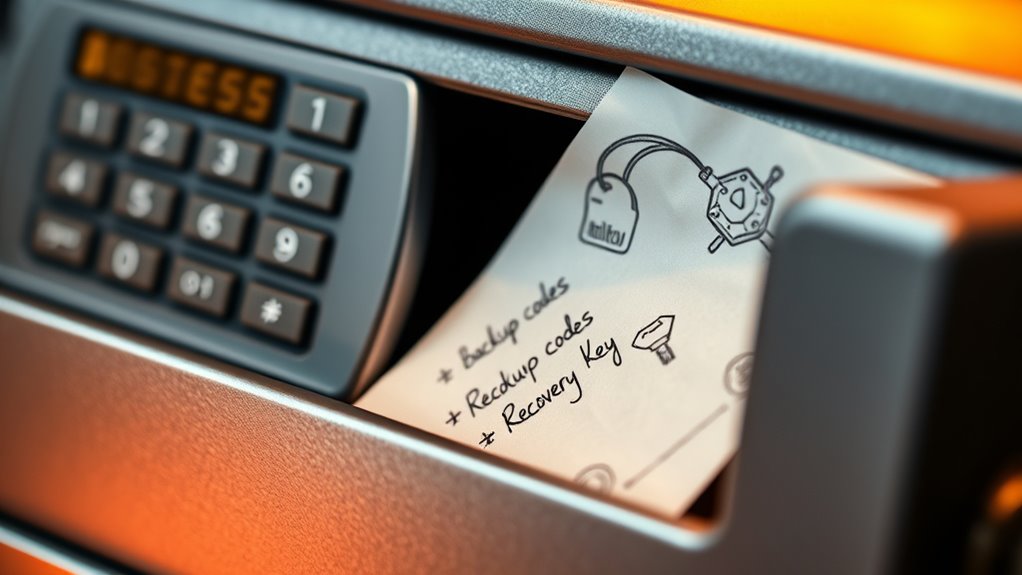

To keep backup codes and recovery keys secure, store them in a safe, encrypted location rather than unprotected digital files or physical notes in obvious spots. Use a trusted password manager or a secure physical safe for sensitive information. Never share these codes via unsecured channels like email or messaging apps. Regularly review your storage methods to guarantee they stay protected. Continuing this guide will help you learn the best ways to safeguard your essential account recovery tools.
Key Takeaways
- Store backup codes in encrypted password managers rather than unprotected digital files or plain text notes.
- Keep physical recovery keys in secure locations like safes or lockboxes, away from casual access.
- Avoid sharing or transmitting backup codes over unsecured channels such as email or messaging apps.
- Regularly review and update your storage methods to ensure continued security of recovery information.
- Treat backup codes with the same level of security as passwords to prevent unauthorized account access.
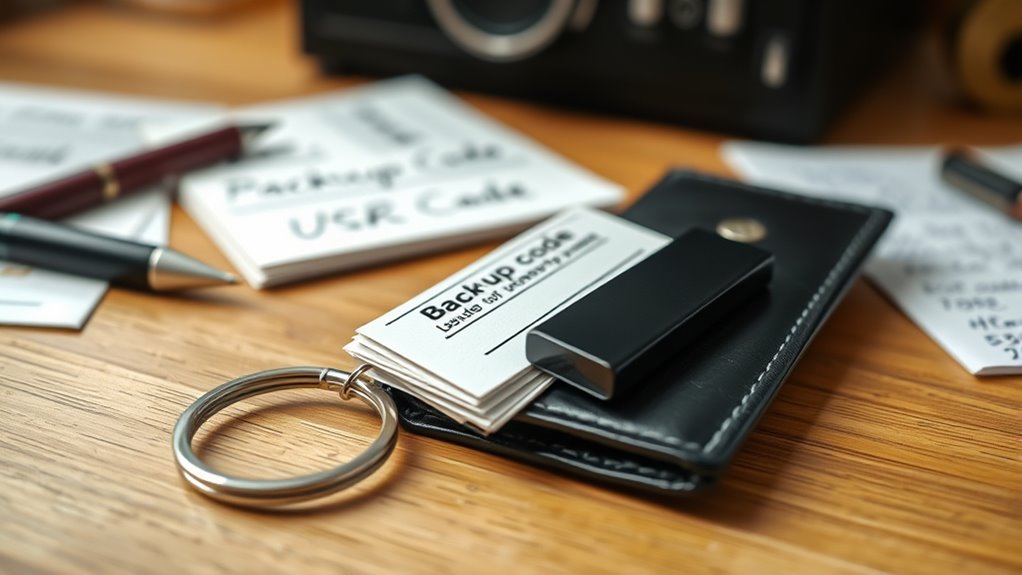
When it comes to protecting your digital accounts, keeping your backup codes and recovery keys secure is vital. These codes are often the last line of defense if you lose access to your account, and mishandling them can lead to serious security breaches. To start, understand that two-factor authentication (2FA) adds an extra layer of security by requiring a second form of verification, often in the form of a backup code or app-generated code. However, if you don’t store these backup codes securely, they become useless or, worse, fall into the wrong hands. That’s why it’s imperative to treat them with the same care as your passwords.
Using a password manager is one of the most effective ways to secure your backup codes and recovery keys. Password managers encrypt your sensitive information, making it accessible only with a master password that you choose. By storing your recovery keys in a password manager, you avoid the risk of losing them in physical form or forgetting where you kept them. Plus, many password managers can generate strong, unique passwords for each account, reducing the chances of unauthorized access. When setting up 2FA, guarantee your backup codes are stored in a secure, encrypted environment rather than on a simple note or an unsecured device. This is especially important because many people tend to write these codes down or save them in plain text files, which can be easily compromised if your device is lost or hacked.
If you prefer physical storage, consider keeping your backup codes in a secure location, such as a safe or lockbox. Never leave them in easily accessible areas, like your email drafts or on desktop screenshots, because these can be quickly accessed by anyone who gains physical or digital access to your devices. When managing recovery keys, avoid sharing them over email or messaging platforms, as these aren’t secure channels. Instead, opt for encrypted storage solutions or physical safes, and make sure only trusted individuals have access. Additionally, being aware of AI in Education and its potential for automation can help you understand the importance of protecting sensitive information in digital environments.
Ultimately, securing your backup codes and recovery keys is about awareness and disciplined storage practices. Leverage tools like password managers to keep them encrypted, and always treat these codes with the same level of security as your passwords. Remember that two-factor authentication provides added security, but only if your backup options are protected. Taking these steps minimizes the risk of losing access to your accounts or having them compromised, giving you peace of mind in your digital life.
encrypted password manager for backup codes
As an affiliate, we earn on qualifying purchases.
As an affiliate, we earn on qualifying purchases.
Frequently Asked Questions
Can I Use the Same Backup Code Across Multiple Accounts?
No, you shouldn’t reuse backup codes across multiple accounts. Backup code reuse can jeopardize your security because if one account is breached, others could be at risk. Similarly, sharing recovery keys is dangerous, as it exposes your accounts to unauthorized access. Always generate unique backup codes for each account and keep recovery keys private. Doing so ensures your accounts stay protected and reduces the risk of unauthorized access.
What Should I Do if I Lose My Recovery Key?
Losing your recovery key is like misplacing your castle’s master key—you need a plan. First, follow security best practices by contacting the service provider to see if they offer a way to verify your identity and restore access. For risk management, always keep backup codes and recovery keys in a secure, separate location. Without it, you risk permanent loss, so act quickly to minimize potential damage.
Are Backup Codes Valid Forever or Do They Expire?
Backup codes generally don’t expire immediately, but their validity depends on the service’s expiration policies. You should check the specific platform’s backup code longevity details, as some may require renewal after a set period or after use. To stay secure, it’s best to generate new backup codes regularly and store them securely, ensuring you always have valid options if you need to regain access to your account.
How Often Should I Regenerate My Recovery Keys?
You should regenerate your recovery keys regularly as part of good recovery key management, typically every few months or if you suspect they’ve been compromised. This practice, known as backup code rotation, helps guarantee your account remains secure. Don’t wait until an emergency to update them; proactive recovery key management minimizes risks and keeps your backup codes current and protected.
Is It Safe to Store Backup Codes Digitally?
Think of digital storage as a cozy digital vault—convenient but needing careful guarding. Storing backup codes digitally can be safe if you use strong passwords and encryption, but remember, physical security still matters. Keep a backup in a secure, offline location to avoid digital mishaps. Combining digital storage with physical security measures ensures your recovery keys stay protected, giving you peace of mind while steering through your digital world.
fireproof safe for storing recovery keys
As an affiliate, we earn on qualifying purchases.
As an affiliate, we earn on qualifying purchases.
Conclusion
Remember, over 80% of data breaches involve compromised credentials, often due to lost or stolen backup codes and recovery keys. By keeping these secure and private, you considerably reduce your risk of unauthorized access. Treat your backup codes like cash—don’t share them and store them in a safe place. Staying vigilant now protects your digital life later, giving you peace of mind and keeping your accounts safe from potential threats.
lockbox for sensitive documents
As an affiliate, we earn on qualifying purchases.
As an affiliate, we earn on qualifying purchases.
secure digital safe for passwords
As an affiliate, we earn on qualifying purchases.
As an affiliate, we earn on qualifying purchases.