
TL;DR

Get privacy and security gear delivered free with Prime
- Fast, free delivery on millions of items
- Prime Video, Amazon Music and more included
- Member-only deals all year
Developers have introduced a CSS-native method for creating parallax effects using scroll-driven animation timelines. This approach offers performance benefits and simpler implementation compared to traditional JavaScript techniques. The development is confirmed and available for experimentation, though some details about browser support remain to be clarified.
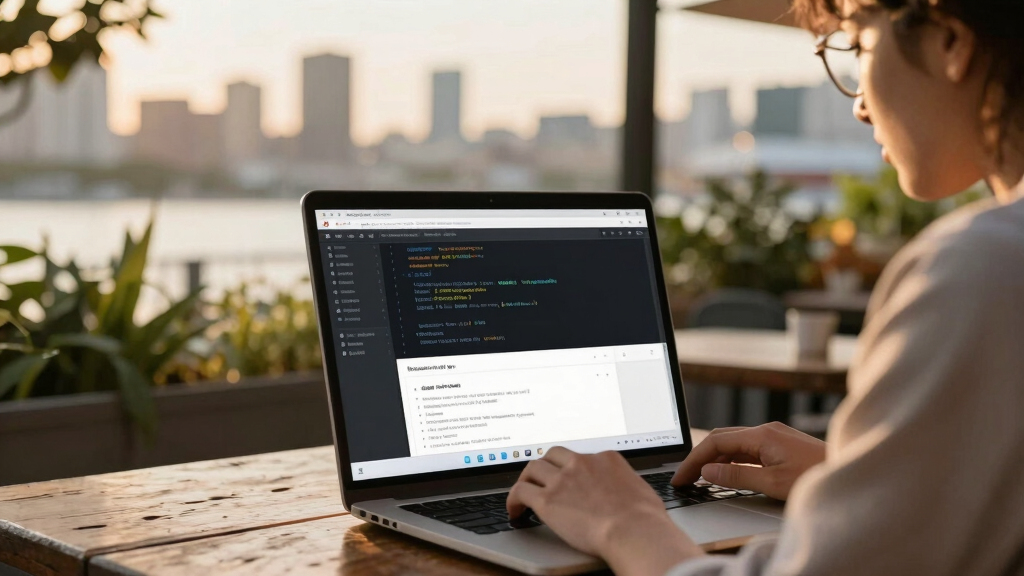
A new CSS technique utilizing scroll-driven animation timelines has been introduced, enabling developers to create parallax effects directly in CSS without JavaScript. This development matters because it promises improved performance and a simpler, declarative approach to scroll-based animations, which are widely used in web design.
The technique involves the CSS property ‘view-timeline-name’, which creates a timeline based on how far an element has traveled through the viewport. When combined with ‘view-timeline-axis: block’, it tracks vertical scrolling. Developers can assign this timeline to animate properties like ‘translate’ and ‘scale’ on child elements, creating parallax effects that move at different rates relative to the scroll. The key advantage is that these animations run off the main thread, potentially offering better performance. The implementation requires defining a custom property ‘–parallax-offset’ to control movement intensity, with default values around 20%. To prevent gaps during translation, child elements are scaled up proportionally to the offset, ensuring coverage throughout the movement. The approach also respects user preferences by disabling motion for users with ‘prefers-reduced-motion: reduce’.
Why It Matters
This development is significant because it introduces a native, CSS-only method for creating parallax effects, which have traditionally relied on JavaScript scroll event listeners. The new approach can lead to smoother animations and reduced CPU load, improving website performance and user experience. Additionally, its declarative nature simplifies implementation, making advanced scroll effects more accessible to developers without complex scripting.
As an affiliate, we earn on qualifying purchases.
Background
Parallax effects have been a staple in web design for years, typically achieved through JavaScript by listening to scroll events and updating element positions. This method, while effective, can be performance-intensive. Recent CSS updates have introduced scroll-driven animation timelines, a feature still in the experimental or early adoption phase, which can handle these effects natively. The current demonstration shows how these timelines can be used specifically for parallax, marking a potential shift in how such animations are implemented in the future.
“The view-timeline approach allows us to create performant, declarative scroll effects directly in CSS, reducing complexity and improving responsiveness.”
— Developer behind the implementation
“Scroll-driven timelines could revolutionize how we handle scroll-based animations, making them more efficient and easier to maintain.”
— CSS standards contributor
As an affiliate, we earn on qualifying purchases.
What Remains Unclear
It is not yet clear how widely supported these CSS scroll timelines are across different browsers, or when they will become standard features. Details about implementation in production environments and compatibility with existing CSS or JavaScript techniques remain to be seen.
As an affiliate, we earn on qualifying purchases.
What’s Next
Developers and browser vendors are expected to continue testing and refining this feature. The next steps include broader browser adoption, detailed documentation, and potential standardization. Monitoring support status and performance benchmarks will be important for assessing its practical impact.
performance optimized parallax website
As an affiliate, we earn on qualifying purchases.
As an affiliate, we earn on qualifying purchases.
Key Questions
How does CSS-native parallax differ from traditional JavaScript methods?
It uses CSS scroll timelines to animate properties based on scroll progress, eliminating the need for JavaScript event listeners and calculations, resulting in potentially better performance and simpler code.
Will this technique work in all browsers?
Support is currently limited; it is primarily available in experimental or early-adoption browsers. Widespread support depends on further standardization and implementation by browser vendors.
Can I customize the parallax effect easily?
Yes, developers can adjust the ‘–parallax-offset’ variable to control the movement intensity and scaling, making it flexible for different design needs.
Does this method respect accessibility preferences?
Yes, it can be disabled for users with ‘prefers-reduced-motion: reduce’ settings, ensuring accessibility considerations are met.
What are the performance benefits of this CSS approach?
Since animations run off the main thread via CSS, they are likely to be smoother and less taxing on CPU resources compared to JavaScript-based scroll effects.
Source: Hacker News
Halloween Picks
halloween
As an affiliate, we earn on qualifying purchases.